Prep sources, in batches.Clean up brush sources, many at once.
Grayscale and contrast, background removal, portrait cutout, upscaling. The image chores you repeat when making brush and texture sources, applied to many photos at once.
Still removing backgrounds, going grayscale, and scaling up by hand for every brush source?
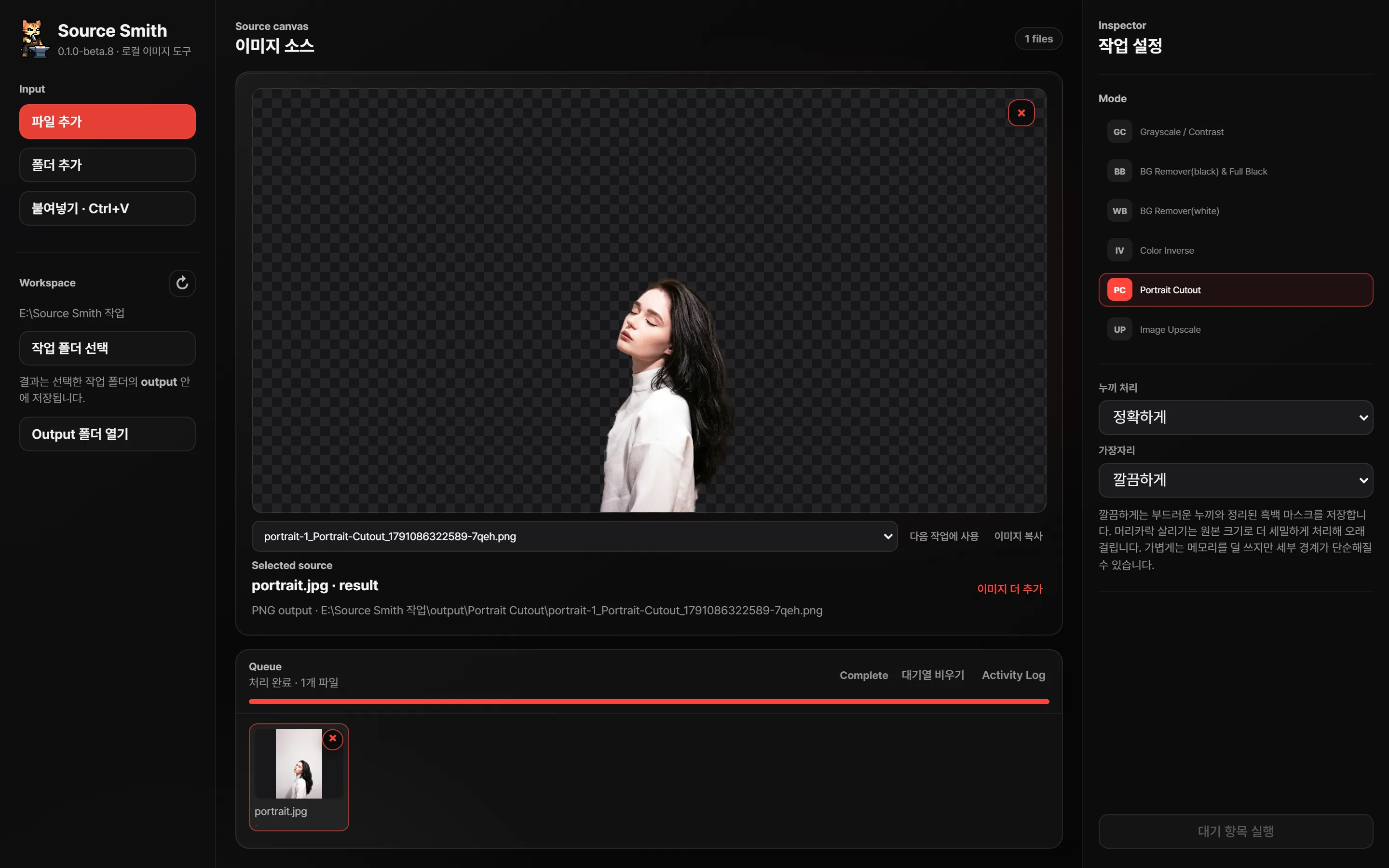
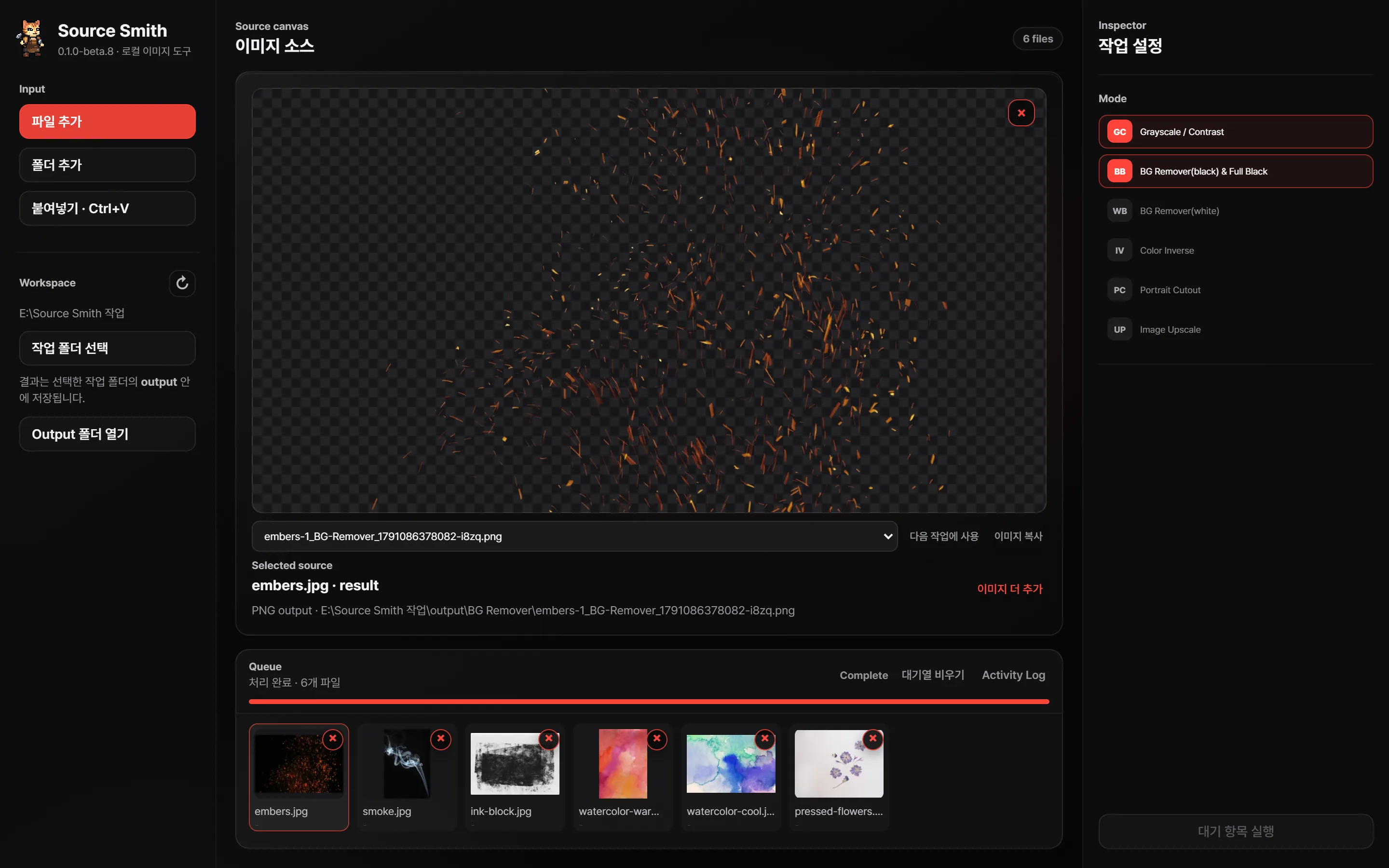
Add photos, pick modes, and press Run queue. Results land as PNGs, one folder per mode, inside output in your work folder.
Six modesMix and match them
You can pick several modes at once. Every result below is a real PNG made by Source Smith.
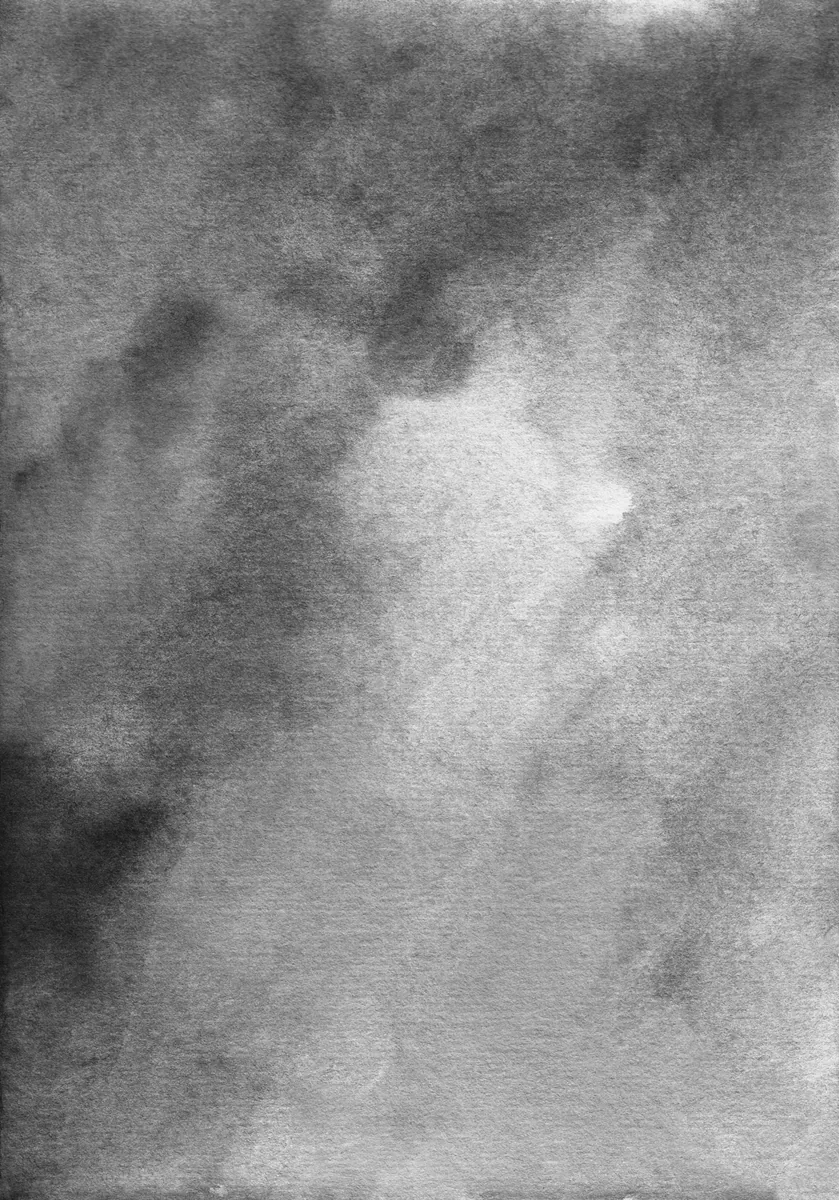 Grayscale / ContrastGrayscale, low contrast, high contrast. Three images in one go.
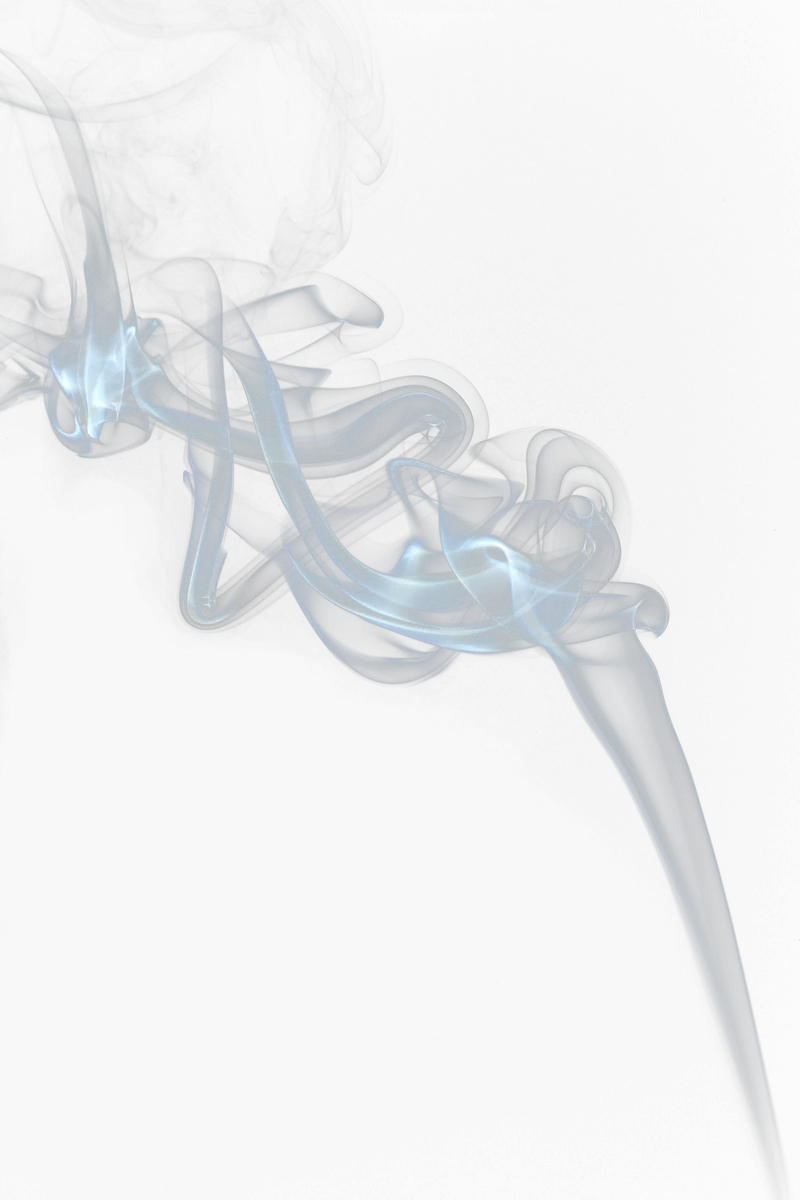 BG Remover(black)Removes black backgrounds, plus a copy placed back on Full Black.
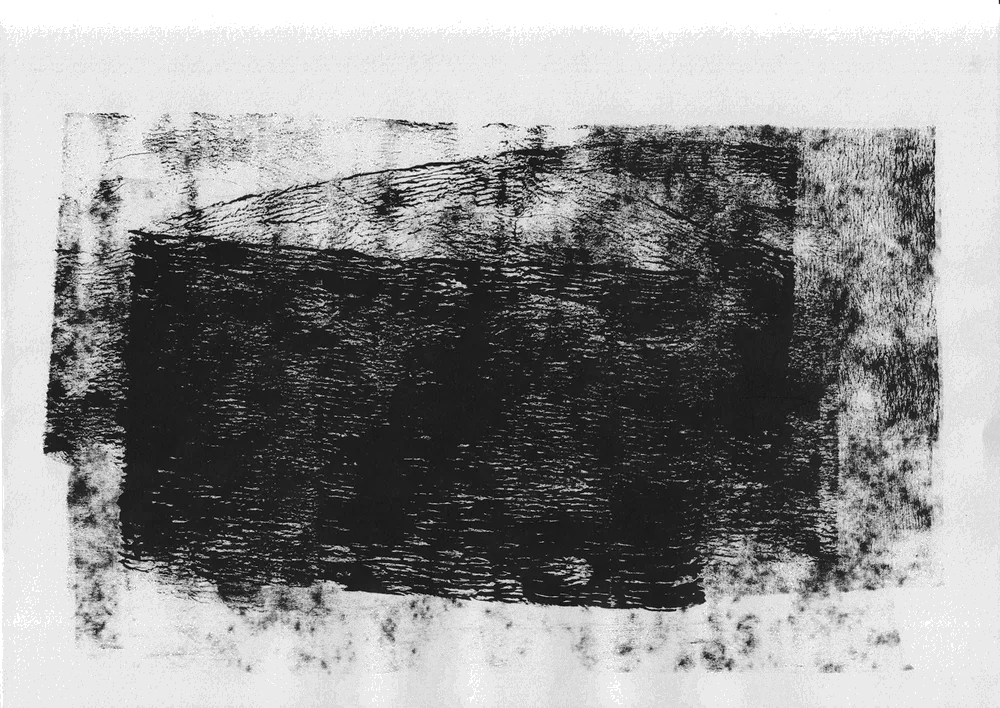
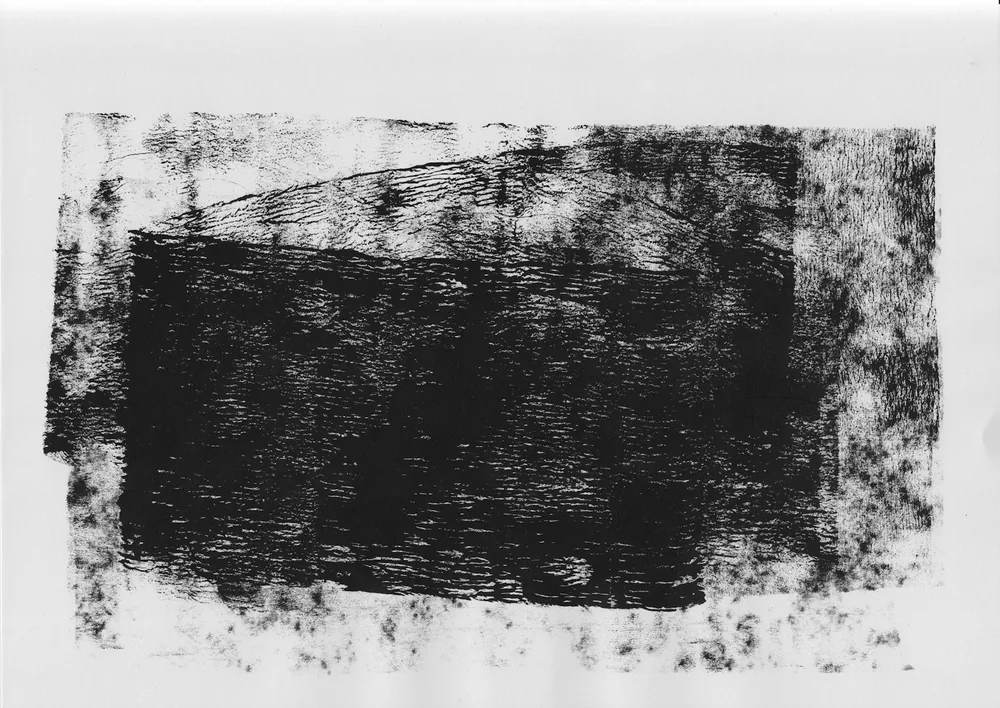
BG Remover(white)Removes white paper and keeps only the ink and paint marks.
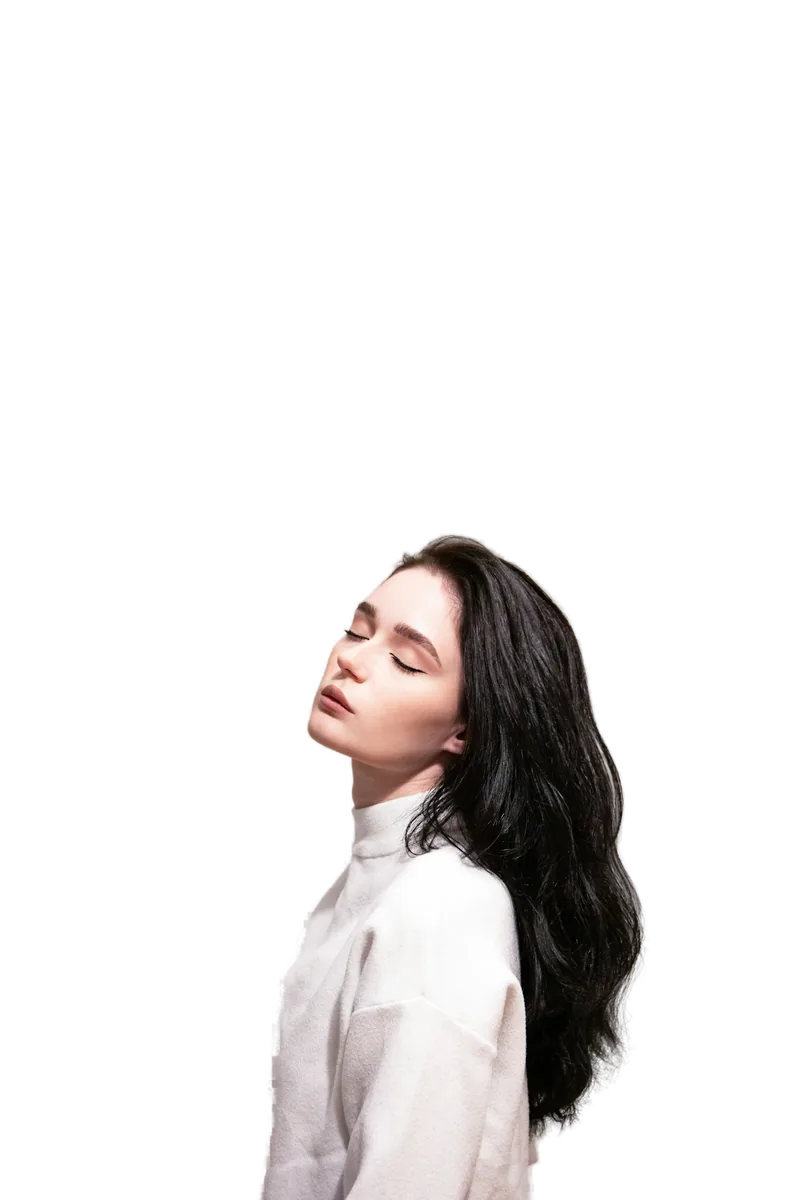 Portrait CutoutAI cuts out people, hair included.
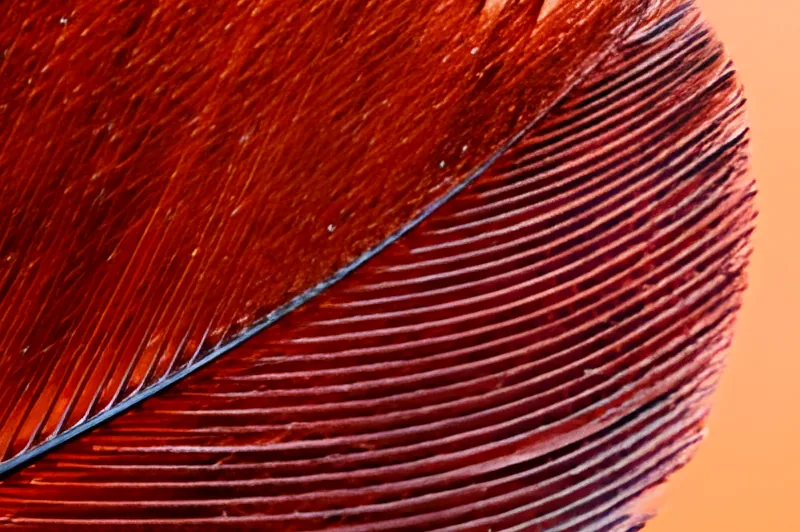 Image Upscale2x to 5x with AI detail restoration.
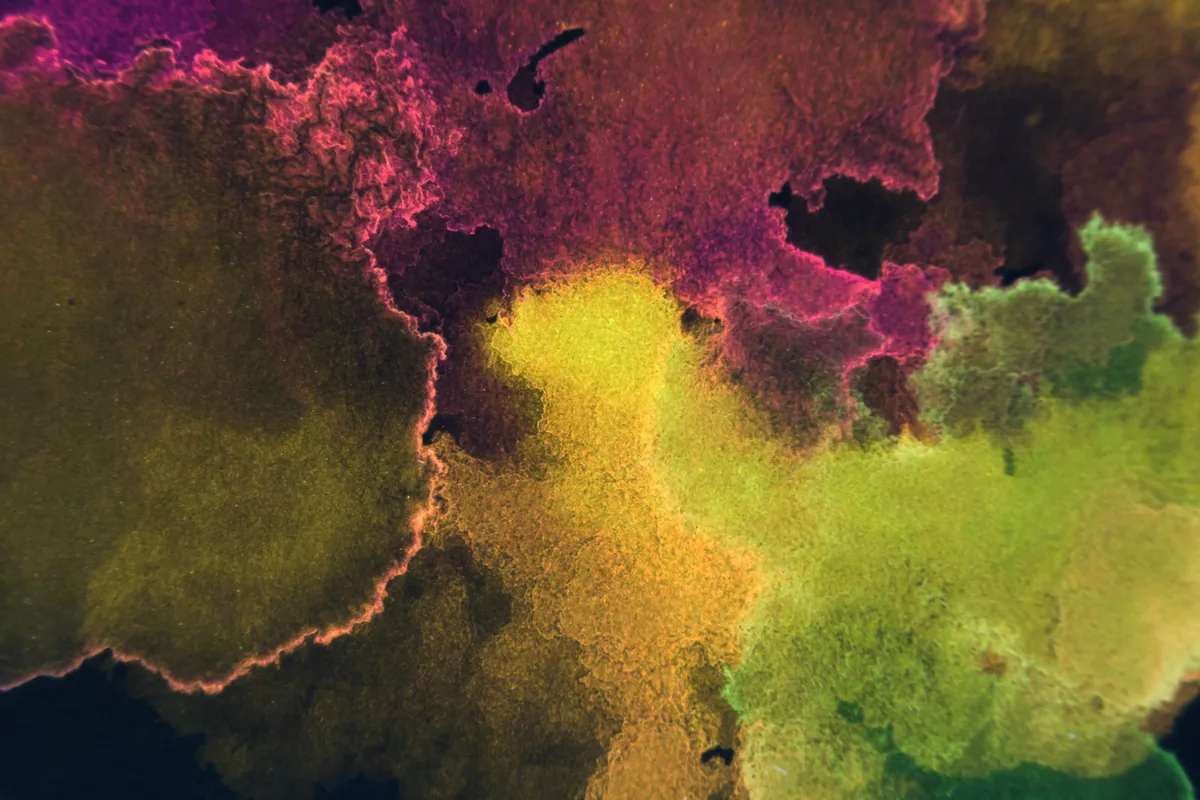 Color InverseInverts colors and keeps transparency.
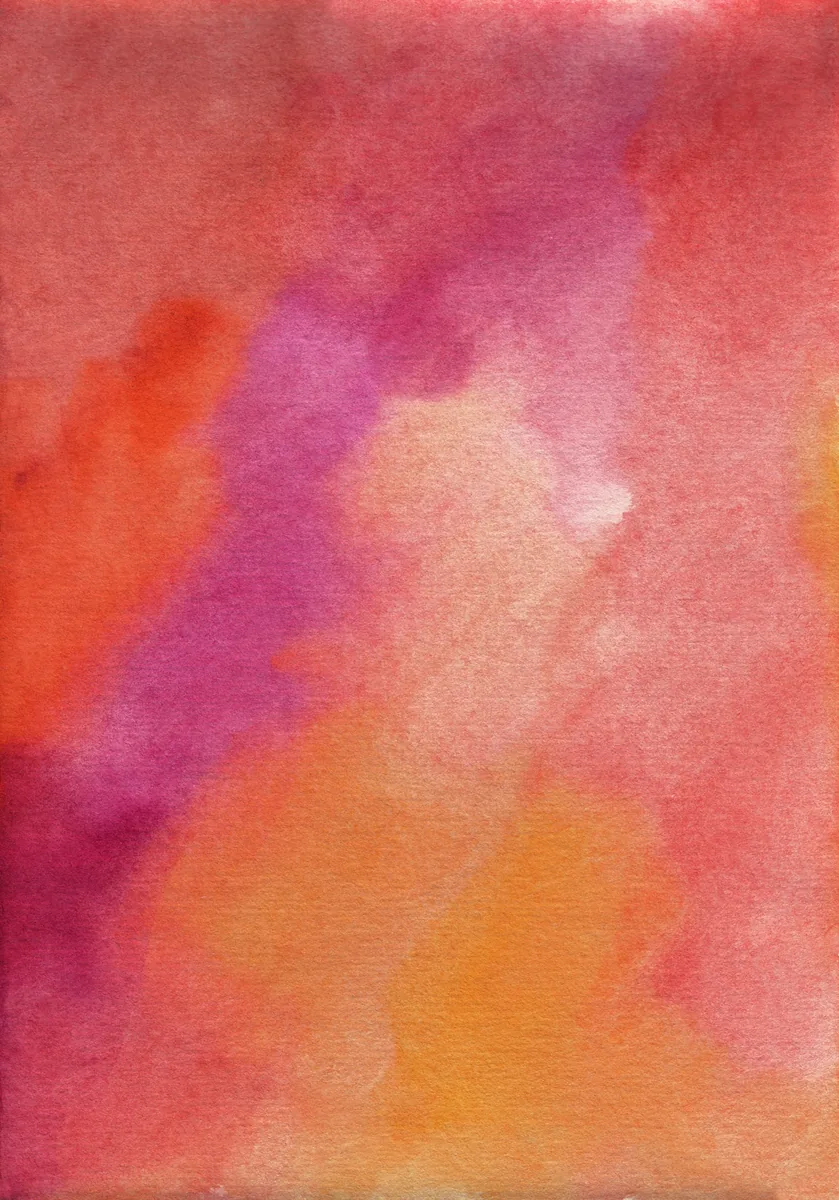
Grayscale / ContrastOne grayscale, two contrast levels.
One run gives you three images: grayscale, low contrast, and high contrast. Compare the tones side by side and pick one for your brush.
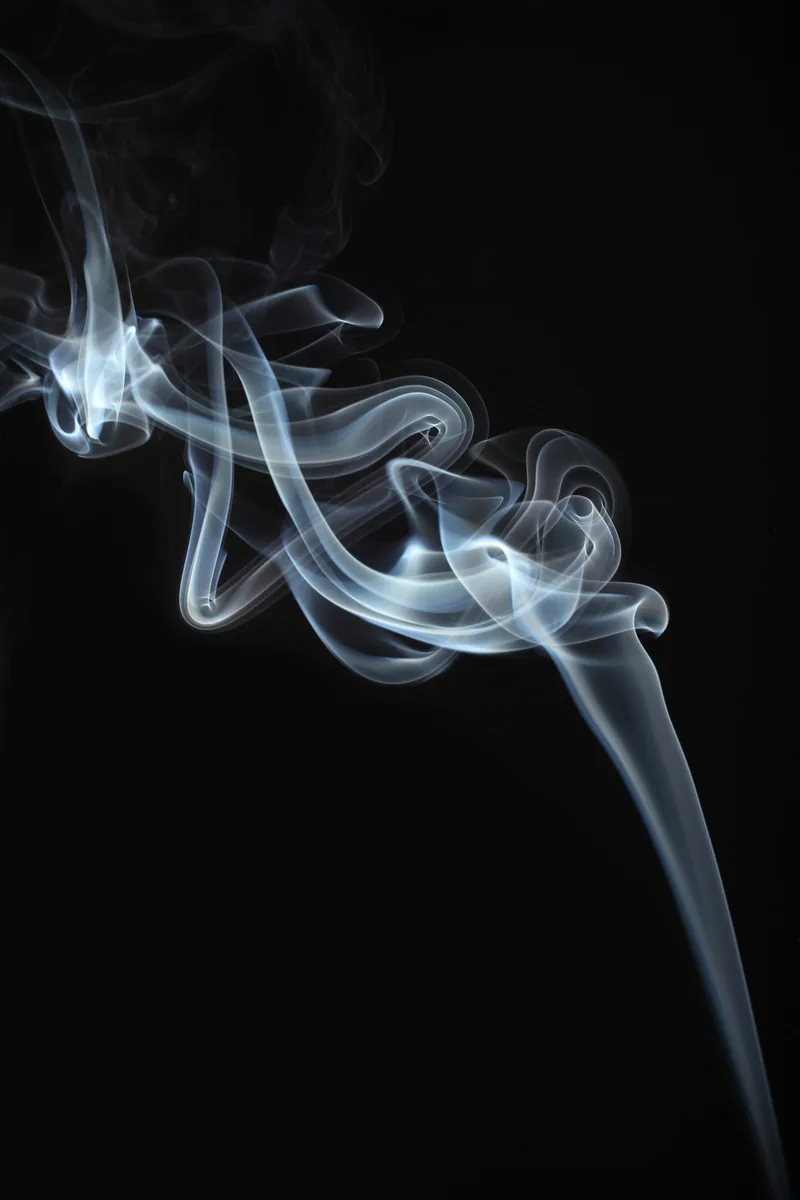
BG Remover(black)Remove the black, or put it back.
It turns brightness into transparency to remove a black background. It also makes a Full Black PNG with the result placed on pure black.
Good for sources shot on black, like smoke, embers, and light flares.
BG Remover(white)Lose the paper, keep the marks.
It makes white, ivory, and light gray backgrounds transparent, pixel by pixel. Saturated colors stay, and white fringes get cleaned up.
Use it to turn scanned ink and pencil marks into brush sources.
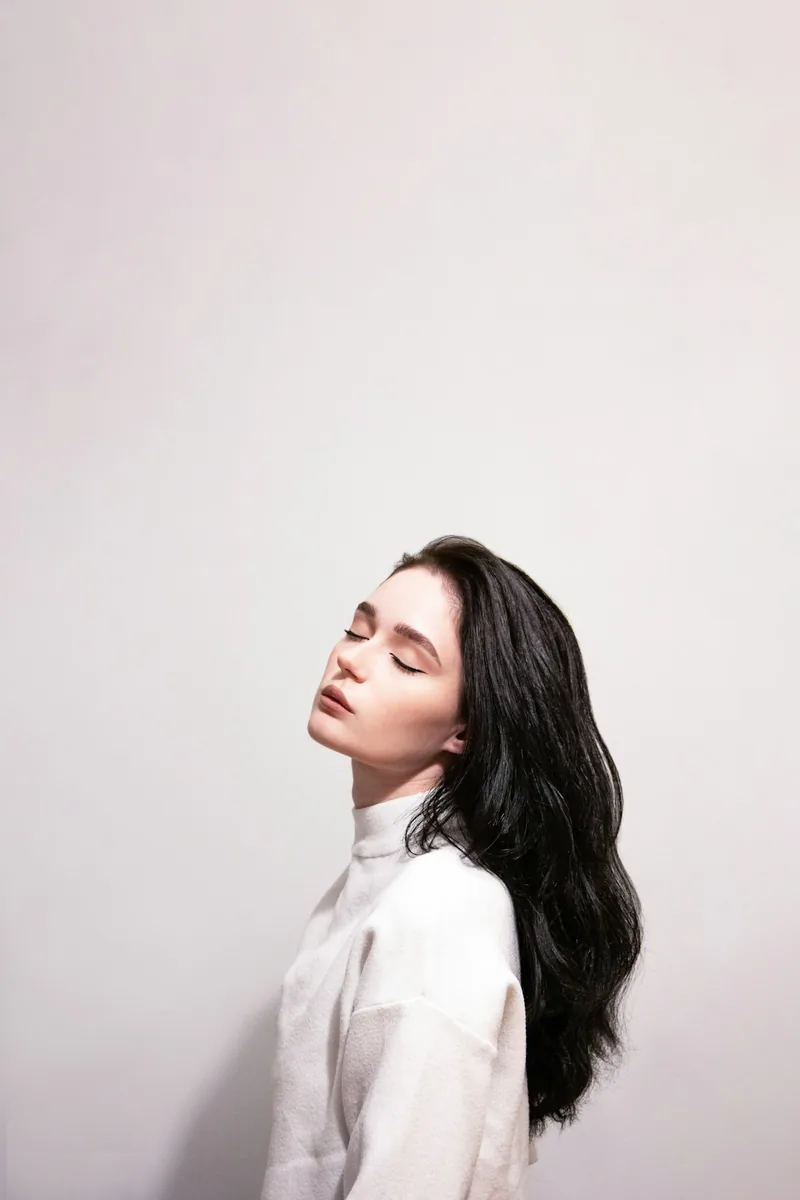
Portrait CutoutJust the person, hair and all.
An AI model cuts people out of photos. Choose Clean to also save a tidy black-and-white mask.
- CutoutAccurate · Light
- EdgesClean · Keep hair · Basic fix · Strong fix · Off

Image UpscaleSmall photos, scaled up with real texture.
AI detail restoration (Real-ESRGAN) scales images 2x to 5x. It restores at 4x, then fits to the scale you pick, so the texture looks different from a plain stretch.
If your graphics card can't use Vulkan, choose Standard · Fast.
Color InverseFlip the colors, keep the transparency.
Inverts RGB colors. Transparent areas stay as they are.
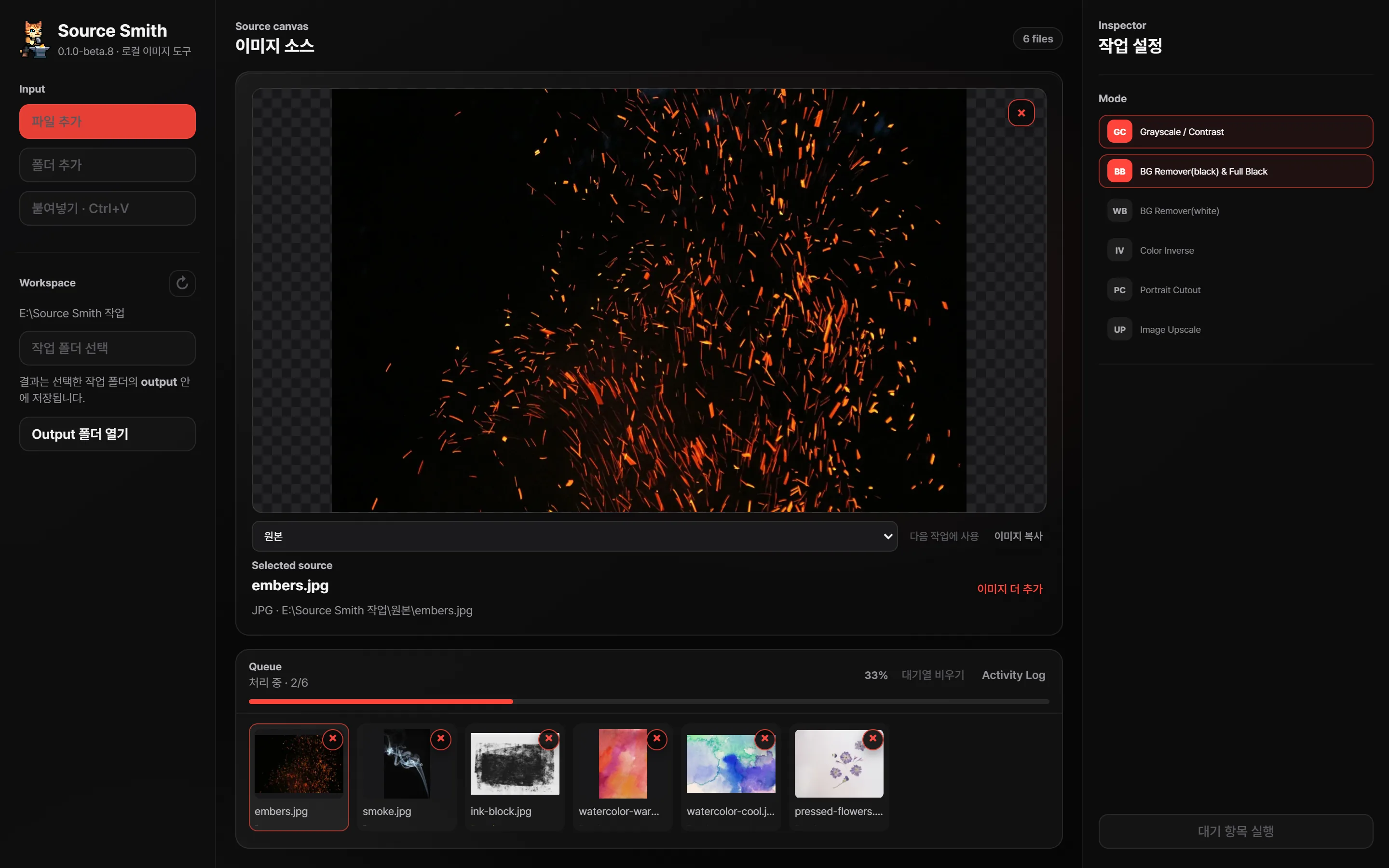
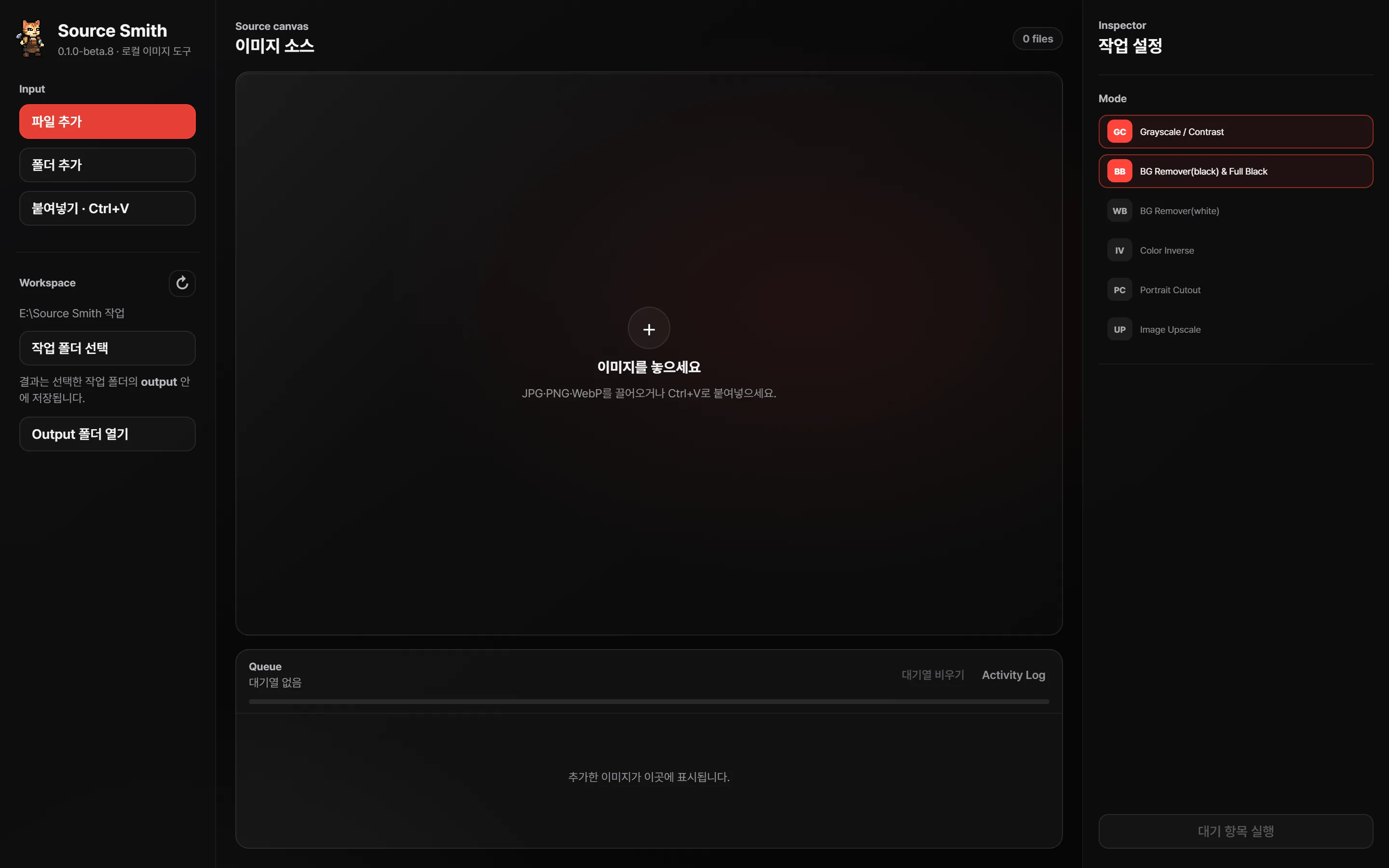
Drop, paste, runFour ways to add images.
Add files, add folders (subfolders too), drag and drop, or paste with Ctrl+V. Screenshots paste right in.
Pick several modes and one run does them all. Select a result and press Use for next step to apply another mode on top of it.
- InputJPG · PNG · WebP (first frame of animated WebP)
- OutputPNG, one folder per mode inside output in your work folder
Runs on your PCNo internet, all on your PC.
Everything is processed on your PC. Your photos are never uploaded anywhere.
The AI models and engines (ImageMagick, Real-ESRGAN, rembg) come in the installer, so the installer is fairly large.
- Installer1.69 GB · Windows installer
Before you buyCheck your PC first
Make sure it runs on your PC before you pay. Specs are based on our August 2026 test report.
Basic use
Grayscale/contrast, background removal, invert, upscale, cutout (Light)
| Item | Minimum | Recommended |
|---|---|---|
| OS | Windows 10 64-bit | Windows 11 64-bit |
| CPU | 64-bit, 4 cores | 6+ cores |
| Memory | 8GB | 16GB |
| Storage | 6GB free | 10GB free on SSD |
| Graphics card | Not required | Vulkan support (AI upscale) |
| Display | 1280×720 | 1920×1080 or higher |
Cutout (Accurate)
If you often use full-resolution AI cutout
| Item | Minimum | Recommended |
|---|---|---|
| CPU | 6+ cores | 8+ cores |
| Memory | 16GB | 32GB |
| Storage | 8GB free | 15GB free on SSD |
| Graphics card | Not needed | Not needed (runs on CPU) |
Peak memory for one 5000×5000px image: about 0.7GB for regular modes, about 0.9GB for cutout (Light). Accurate uses about 6.5GB as of 0.1.0-beta.8.
- PlatformWindows only. No macOS version yet.
- VersionThis is a beta. Features and screens may change with updates.
- InstallIt isn't code-signed yet, so a 'Windows protected your PC' window may appear. Click More info → Run anyway.
FAQCommon questions
Do I need the internet?
Only to download the installer. After that, it works offline.
How do I get updates?
Enter your order number and email on Find my order to download the latest version. Each order allows a set number of downloads.
Do I need an account?
No. You only enter an email when you pay. It's used to find your order and for refund requests.
Can I get a refund?
Within 7 days of payment, you get a full refund even if you downloaded the installer. After that, we still refund you if it doesn't match what's described here, or if it won't install or run and we can't fix it. Refunds
Can I use the results in work I sell?
Yes. What you make with Source Smith is yours to use freely. Copyright in the original photos stays with those photos.
Sources, ready to use.Photos in, brush sources out.
Checking priceVAT included · One-time payment
Source Smith 0.1.0-beta.8 · Windows 10/11 · 64-bit · 1.69 GB. You get the installer right after paying, and can download it again later from Find my order.
Prices are in Korean won (KRW). Payments are processed by Toss Payments. If your card doesn't go through, email us at lkp012@naver.com.