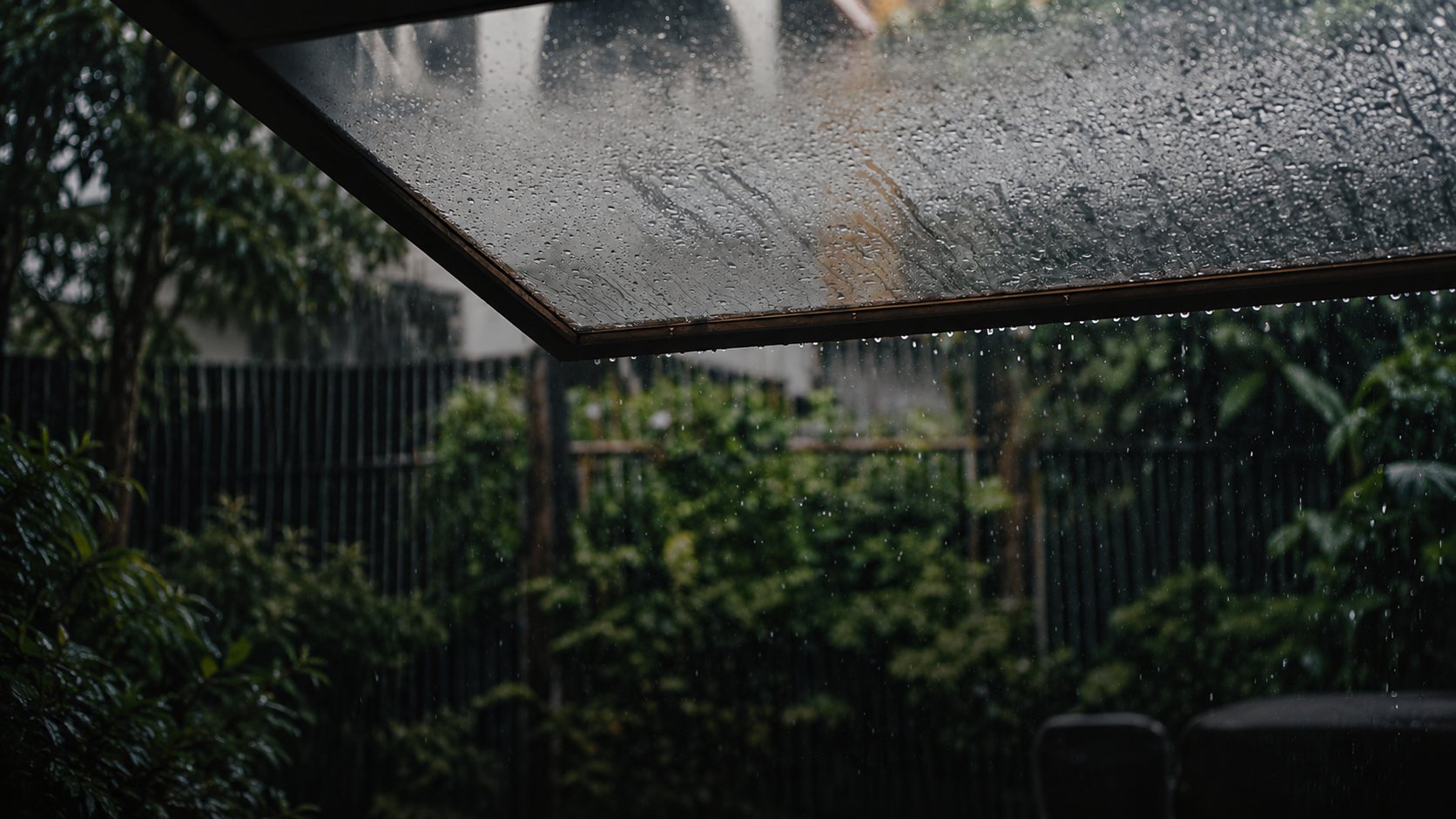
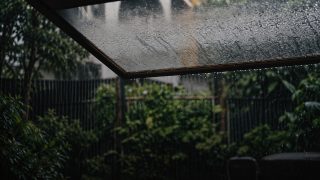
Rainy DayDrops gather and run down a rainy window.
Wallpaper, alive.Your own wallpaper, with a mood that moves.
From a single image to live wallpaper across all your monitors. Rain, snow, aurora, and starlight on any screen you like.
 Loading the renderer
Your screen, your atmosphere.Give the desktop you see every day a feel of your own.
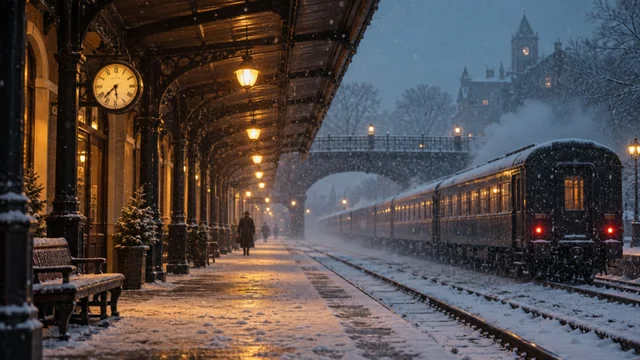
Snowy WindowSnowflakes fall past a snowy window.
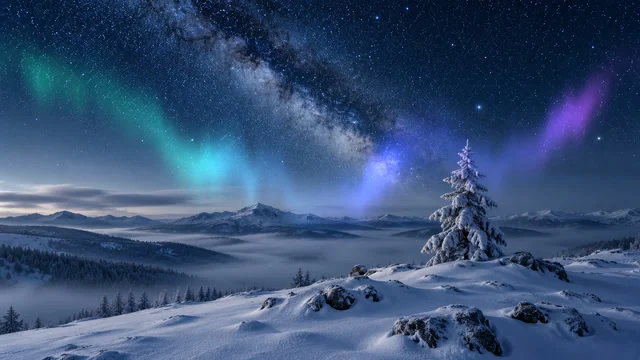
AuroraCurtains of aurora sway over snowy mountains.
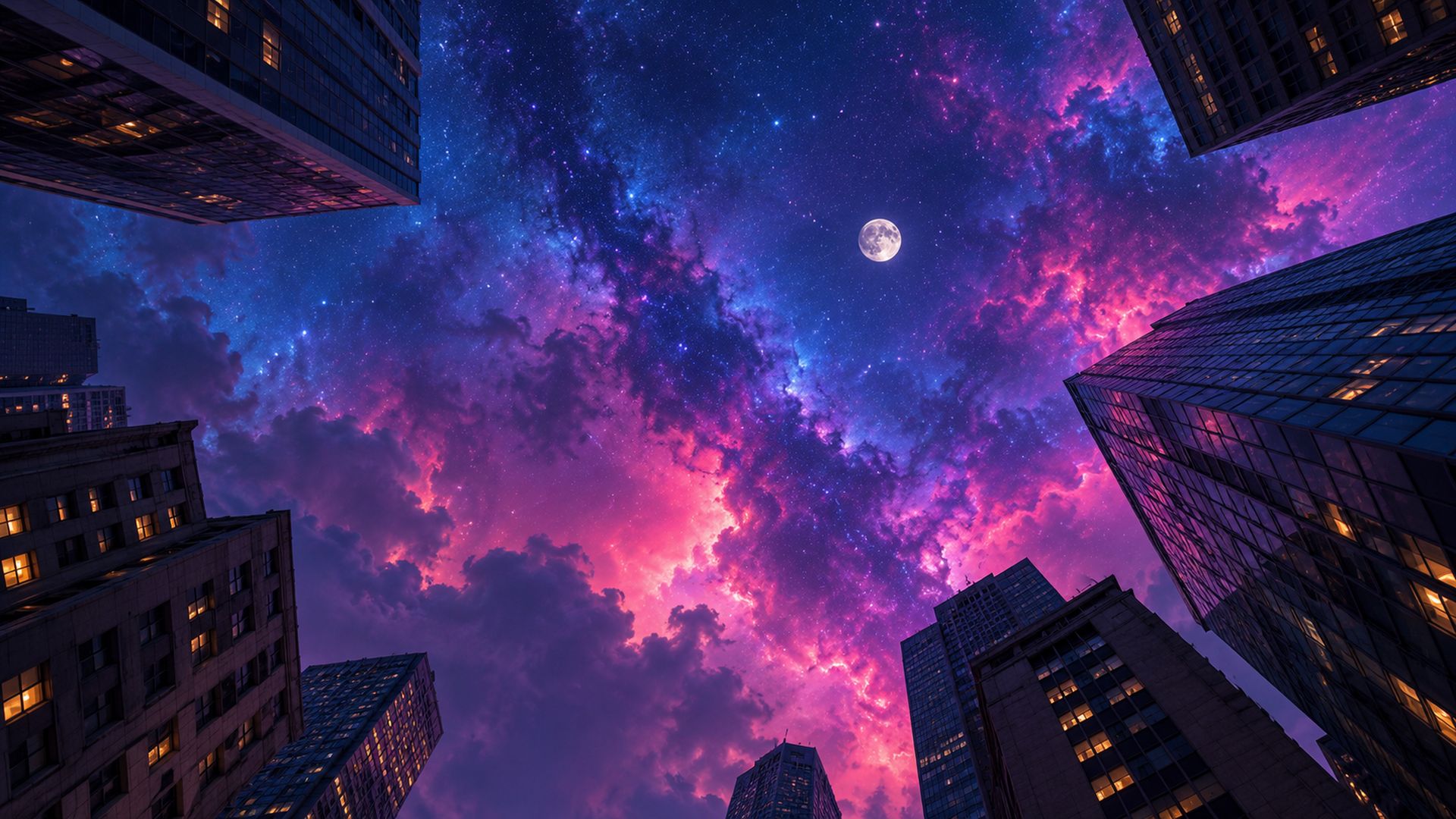
Falling StarsMeteors fall beneath the Milky Way.
Wallpaper:LAB at a glanceEverything it does, in one view
Every tile is a real screen. Tap one to jump to its recording.
 Real-time effectsDraws rain, snow, aurora, meteors, shaders, and smoke on your desktop in real time.
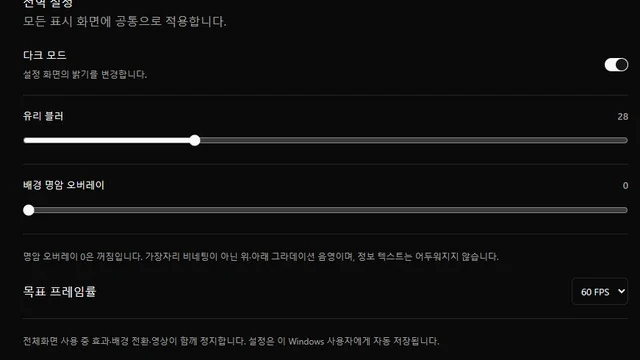
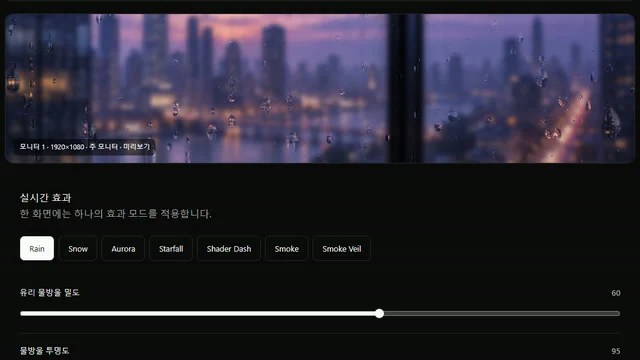 SlidersSet every option with a 0–100 slider and check it in the preview.
 Backgrounds and slideshowRotates 83 built-in backgrounds and your own photos and videos at the interval you set.
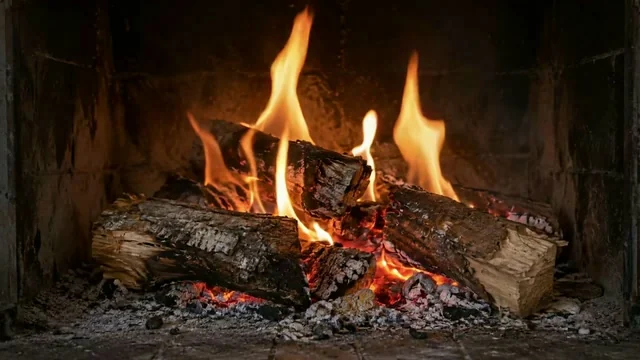 Fireside · TACO seriesA log fire video with crackling sound, and backgrounds of Taco gazing into the fire.
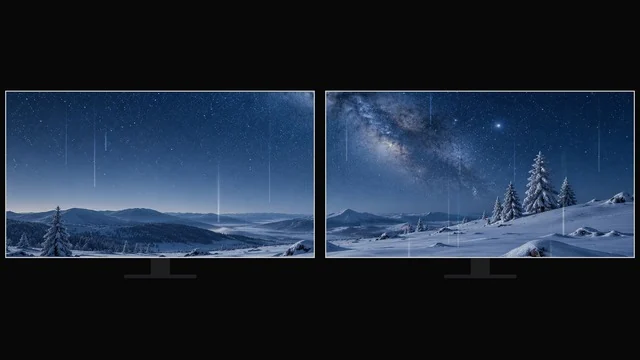 Per-monitor settingsShow a different background on each monitor, or stretch one image across them.
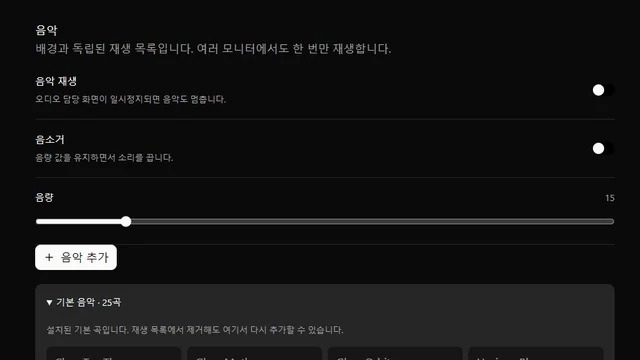 MusicPlays 24 built-in tracks, fire sounds, and your own music files from the desktop.
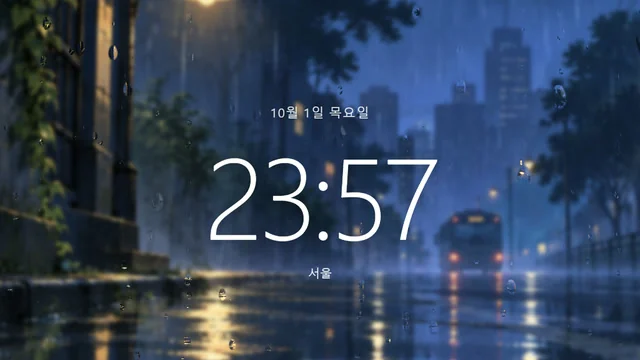 Date and timeShows the date, time, and city name in the middle of your desktop.
 Light on your PCPick 30 or 60 FPS. It pauses on its own when something goes full screen.
The renderer starts when this comes into view
Real-time effectsThe weather outside, on your desktop.
Pick an effect and set its strength and speed. You can change the glass blur behind it too.
The screen here isn’t a video. It’s the real Wallpaper:LAB renderer, drawing in your browser.
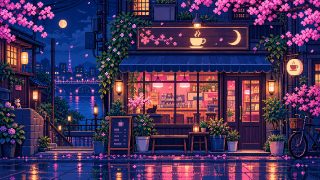
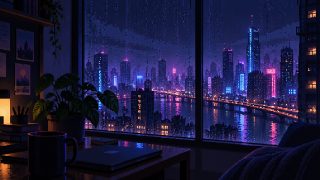
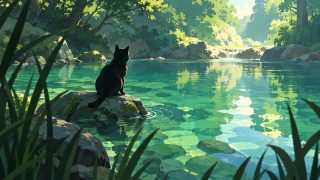
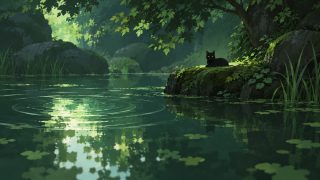
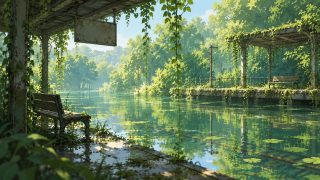
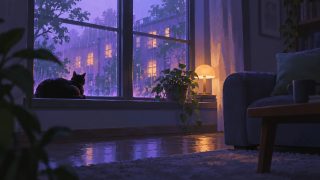

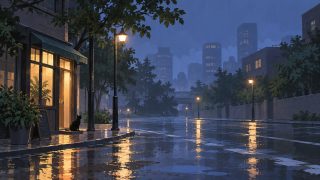

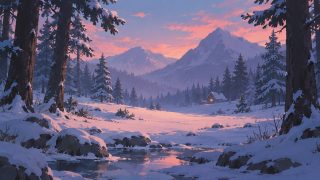
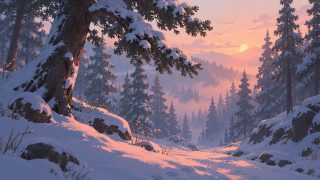
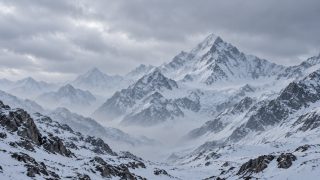
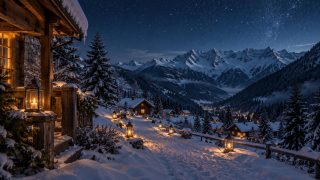
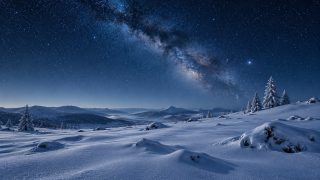
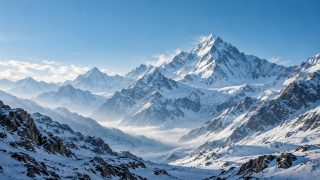
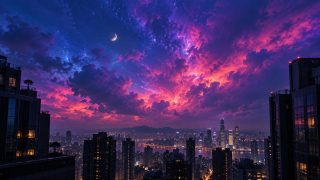
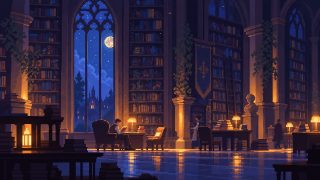
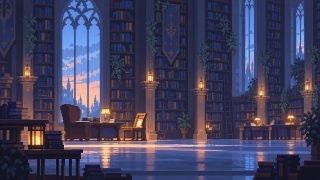
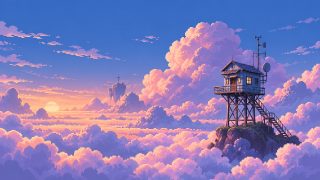
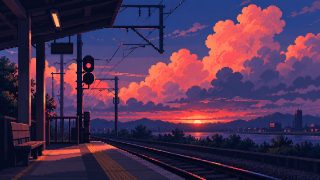
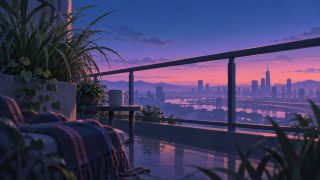
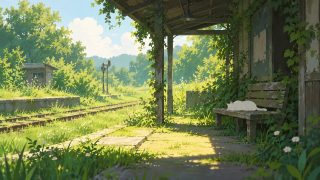
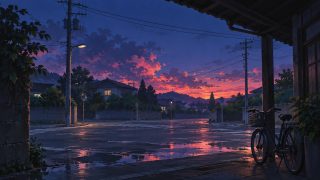
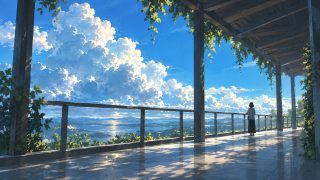
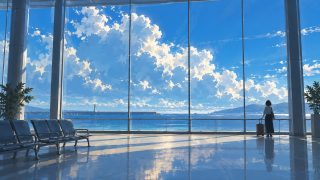
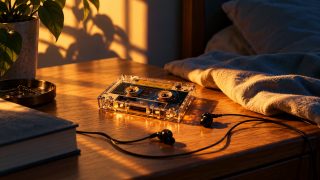
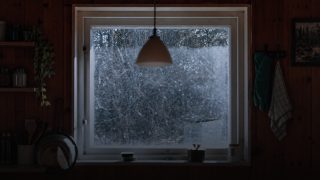
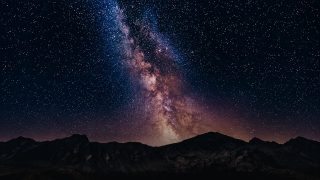
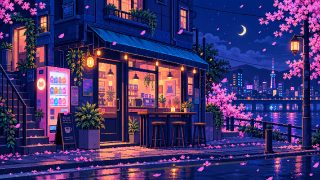
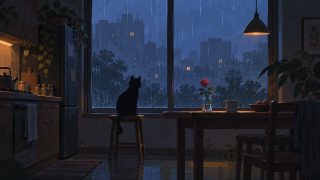
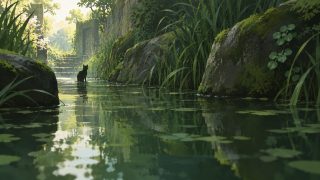
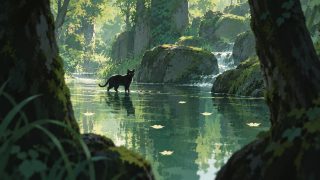
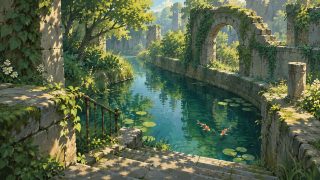

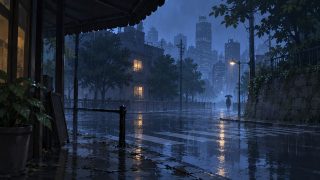
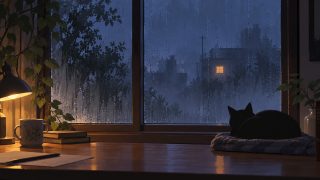

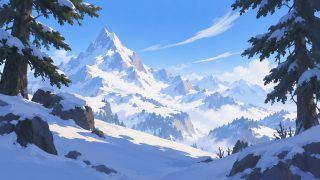

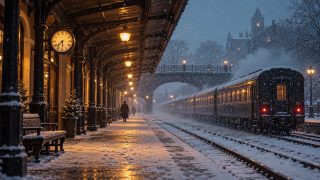
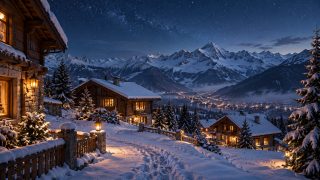
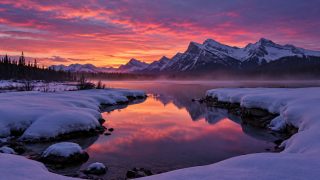
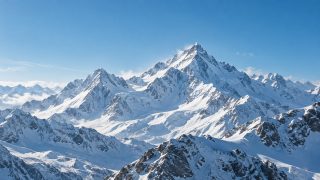
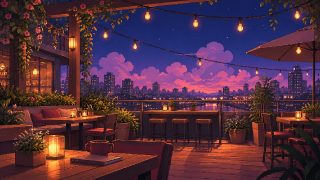
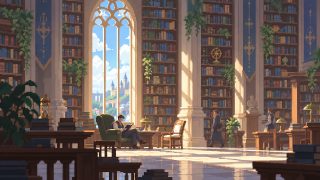
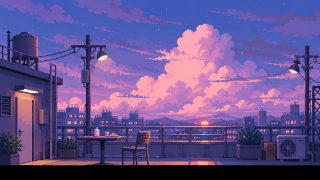
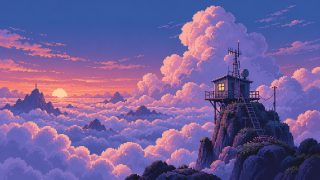
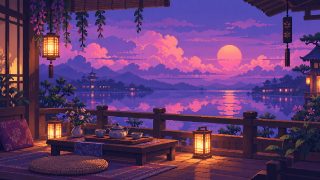

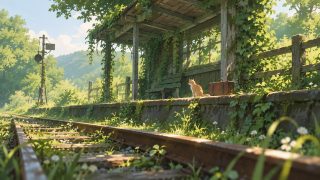
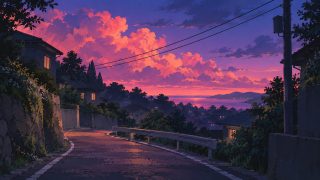
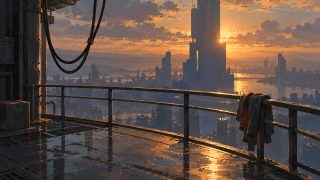
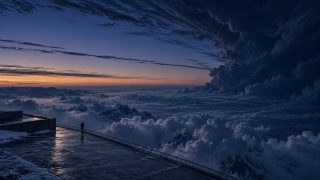
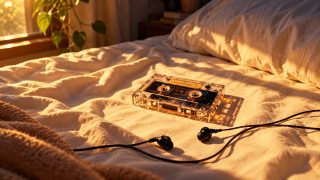
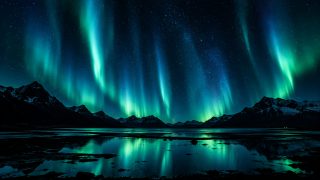
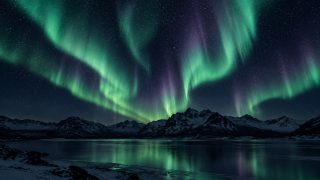
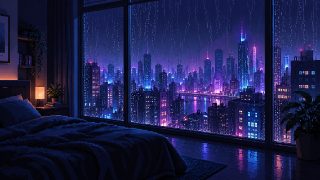




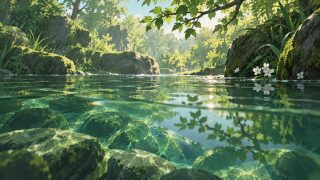
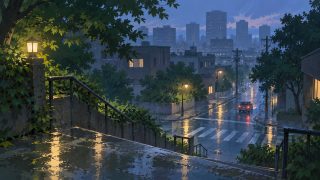
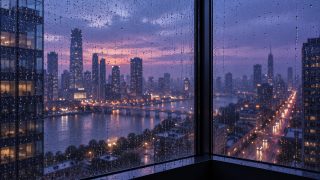
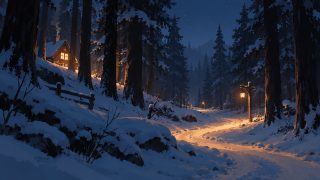
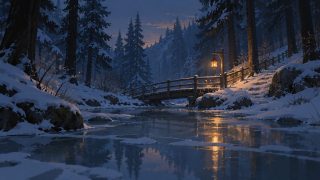
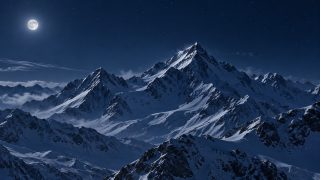
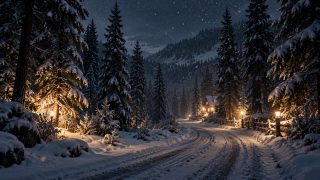
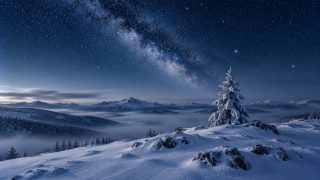
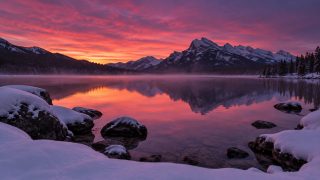
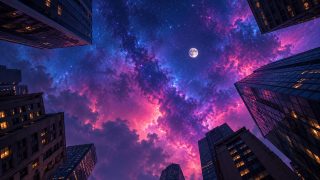
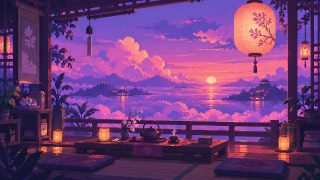
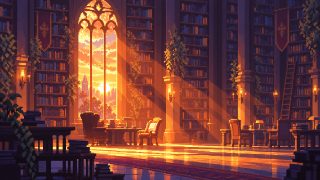
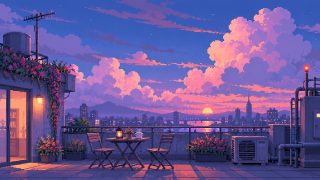
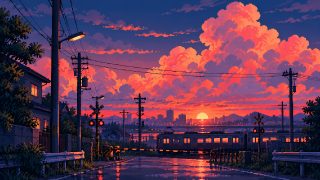
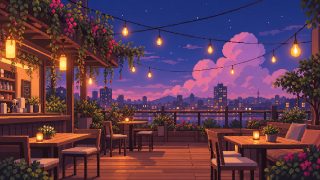

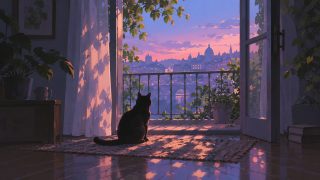

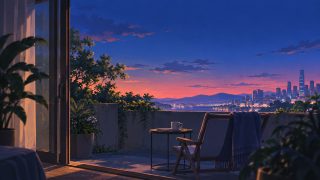
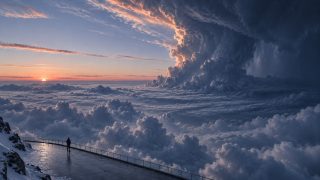
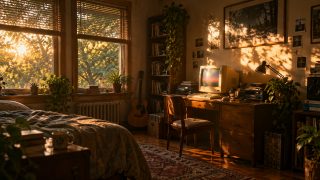
83 backgroundsBuilt-in backgrounds, plus your own photos and videos.
The built-in backgrounds come in game CG, illustration, and realistic photo sets. Add your own images and videos and run them as a slideshow, in the order you added them.
High-res images are scaled down to fit your monitor.
When you pick a video, it first lets you know it may put more load on your system.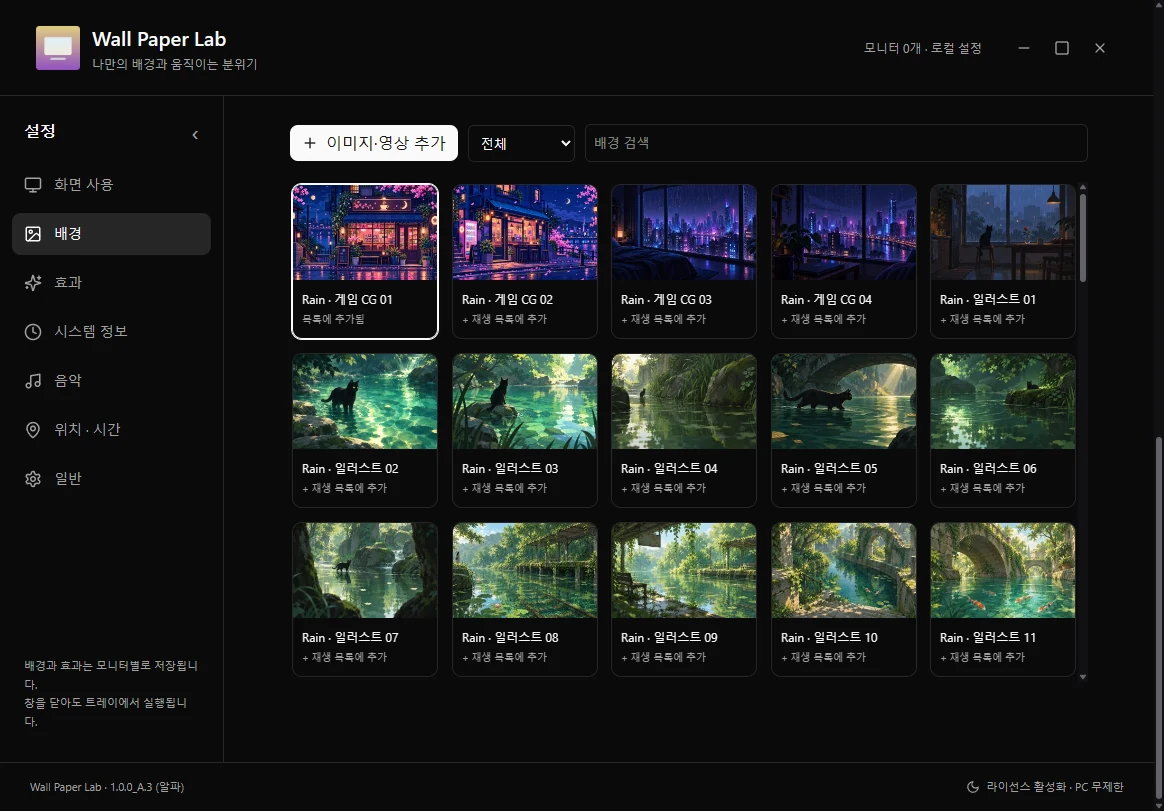
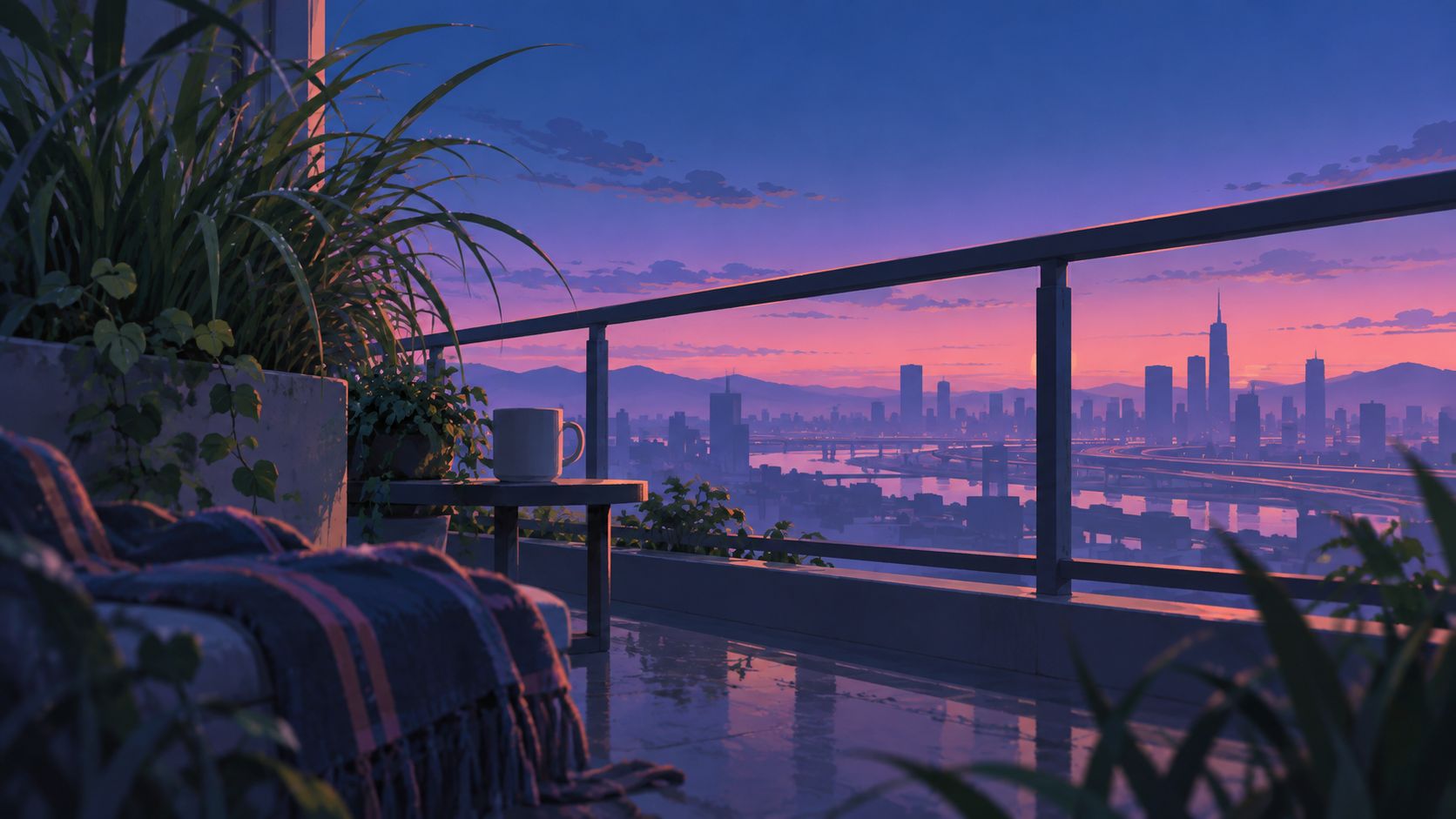
Seoul
Time and placeDate, time, and city name on your desktop.
Show the date, time, and location on any monitor you choose.
Use a city’s time zone or your system time, and switch between several cities.
 1 · AuroraFull screen in use · Paused
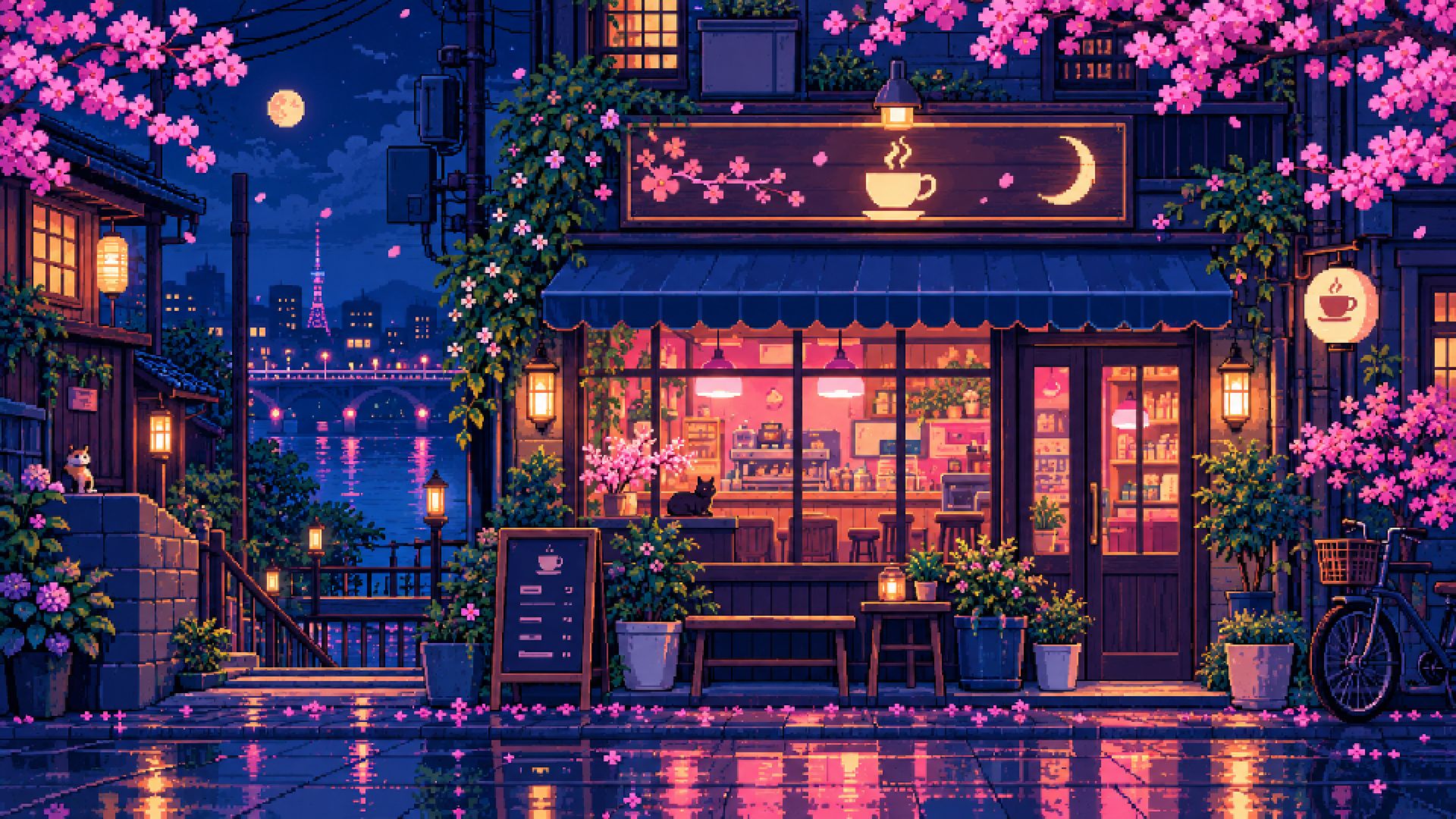 2 · RainFull screen in use · Paused
 3 · SnowFull screen in use · Paused
Every monitorA different background and effect on each one.
Pick the monitors to use. Give each its own background and effect, or stretch one across them all.
Only the monitor running a full-screen app pauses.
MusicBuilt-in · 24 tracks
- 1Clear Ten ThemeBuilt-in
- 2Glass MothsBuilt-in
- 3Glass OrbitBuilt-in
- 4Horizon BloomBuilt-in
- 5LOFI IVBuilt-in
- 7Left On ReadBuilt-in
- 8Lofi - ZeroBuilt-in
- 9Lofi IBuilt-in
- 10Lofi IIBuilt-in
- 11Lofi IIIBuilt-in
- 12Lunar TempestBuilt-in
- 13Midnight DreamBuilt-in
- 14Moonlit NotebookBuilt-in
- 15OCCULTIA FONK IBuilt-in
- 16OCCULTIA IBuilt-in
- 17OCCULTIA IIBuilt-in
- 18Orbital Glass HymnBuilt-in
- 19Puple SmokeBuilt-in
- 20Relique de rêveBuilt-in
- 21Song of WinterBuilt-in
- 22The Star IIBuilt-in
- 23The StarBuilt-in
- 24VictoryBuilt-in
Built-in music24 tracks that play along with your wallpaper.
It comes with 24 tracks and the sound of a crackling fire, and you can add your own music. Tracks repeat in the order you added them, with their own volume.
Sound from video backgrounds is muted automatically.
Tap “Late Night” in the list to hear it.
FPS--
FRAME-- ms
RES--
Numbers show up once the effect screen is running.
30 or 60 FPSFrame rate and background size that suit your PC.
Set the target to 30 or 60 FPS, and size backgrounds for FHD, QHD, or 4K. Only the current and next backgrounds are kept in memory.
It keeps running in the tray after you close the settings window.
These numbers come from the effect screen above, running on this PC right now.
Real footageRecorded on a real desktop
All of this was recorded running the Wallpaper LAB alpha on a real desktop. Screens and features may change before release.
System requirementsWill it run on my PC?
These are pre-release targets based on measurements during development. Long-run testing on the minimum and recommended parts isn’t finished yet.
Minimum
- OS
- Windows 10 64-bit
- Processor
- Intel Core i5-6500 / AMD Ryzen 3 2200G
- Memory
- 8GB RAM
- Graphics
- GeForce GTX 750 Ti 2GB / Radeon RX 460 2GB / Intel UHD 620 / Radeon Vega 8
- DirectX
- 11
- Storage
- 2GB
- Other
- Microsoft Edge WebView2 Runtime
Based on: one FHD monitor, still image, 30 FPS
Recommended
- OS
- Windows 10/11 64-bit
- Processor
- Intel Core i5-8400 / AMD Ryzen 5 2600
- Memory
- 16GB RAM
- Graphics
- GeForce GTX 1650 4GB / Radeon RX 570 4GB / Radeon 680M
- DirectX
- 11
- Storage
- 2GB, SSD recommended
Based on: FHD at 60 FPS or QHD at 30 FPS. For 4K, video backgrounds, or several monitors, 30 FPS is recommended.
FAQCommon questions
What PCs does it run on?
Windows 10 / 11 (64-bit). Mac isn’t supported.
Do I need to stay online?
No. Verify your license key online once, and it works offline after that.
What happens when I play games or watch videos?
On a monitor running a full-screen app, effects and video backgrounds pause, then start again when you close it. They also pause while the screen is locked or the PC is asleep.
Can I still use my desktop icons?
Yes. Backgrounds and effects are drawn behind your desktop icons, so the icons work as usual.
Does closing the settings window turn it off?
No. It keeps running in the tray. To quit, right-click the tray icon and choose Quit.
All on one desktop.Backgrounds, effects, time, and music, together.
Wallpaper:LAB 1.0.0-alpha.8 is an alpha, so features and design may change. Activate it once with a license key and it works offline after that. It checks for updates each time it starts.