Come alive.Your desktop, awake.
MUE:DESK makes your Windows desktop tidy and useful.
Start with it on any desktop or laptop.
Do you keep a pile of windows open on your desktop every day?
Schedules, notes, to-do lists, a media player, a calendar.
MUE:DESK puts 16 features in one app.
At a glanceEverything in MUE:DESK 2.0.
Tap a feature to jump to its section.
 A DOCK instead of the taskbarSwap the plain taskbar for a DOCK with more character, for a desktop that is clearer and nicer to look at.
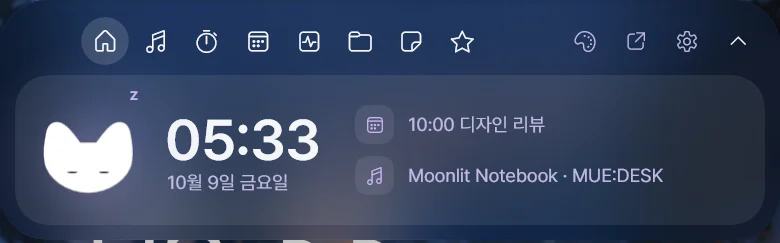 Island PanelA panel that reacts to what you do. Keep the files you use often on it and open them fast.
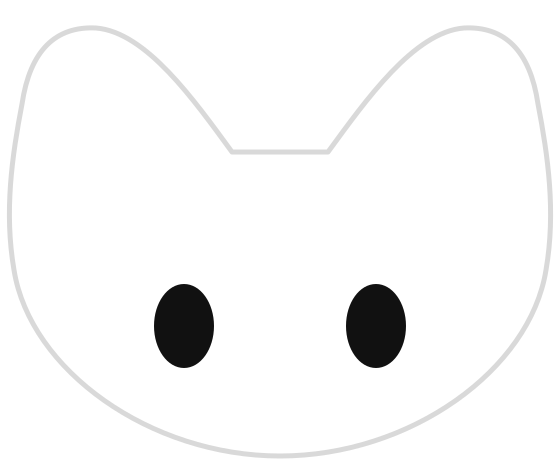 MUEMUE, the MUE:DESK mascot, reacts to what you do. MUE lives in the Island Panel, and you can pull it out as a widget too.
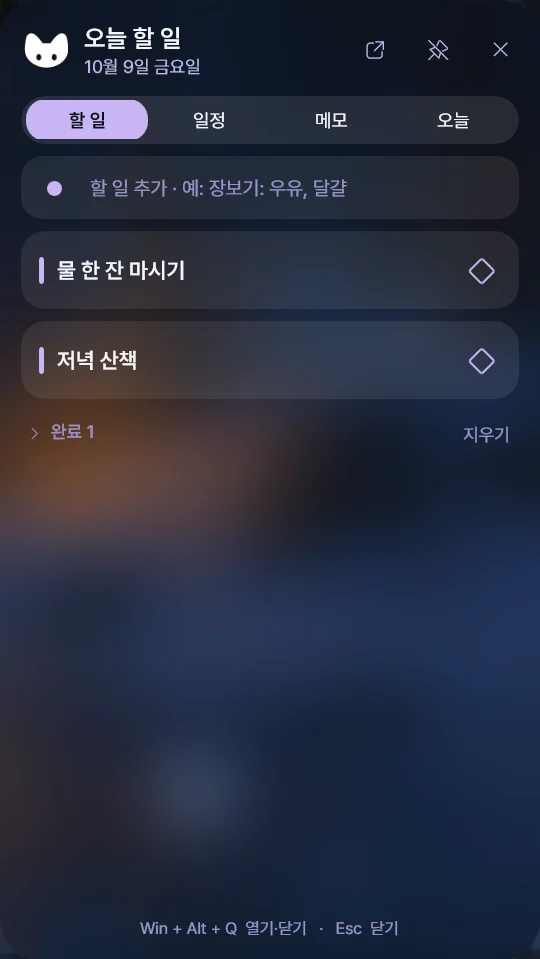 Schedule HUDNo browser needed. Press one shortcut and check your schedule like a quest log in a game.
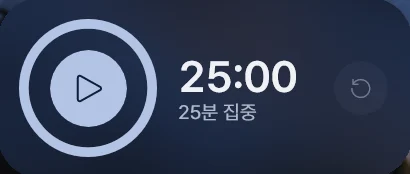 Focus timer and widgetsTurn on the focus timer when you need to focus. Clock, calendar, sticky notes, music, timer, system check and more widgets are ready.
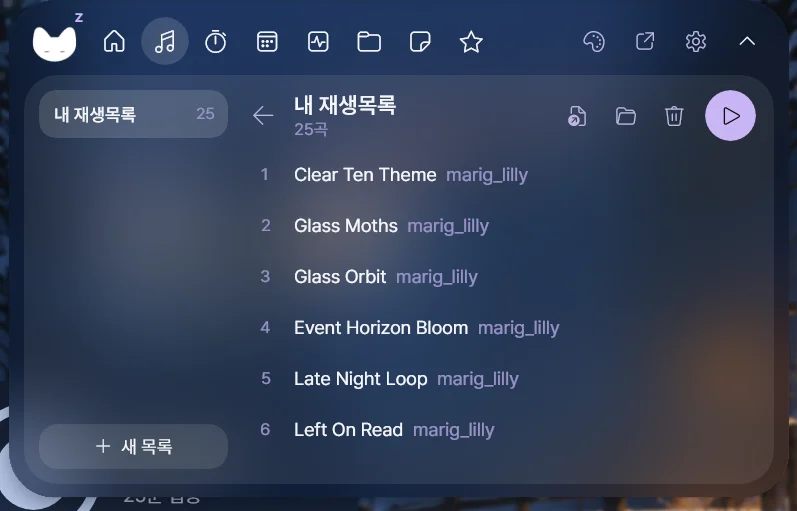 Media playerStart with the built-in music, then add your own songs to make your own playlist.
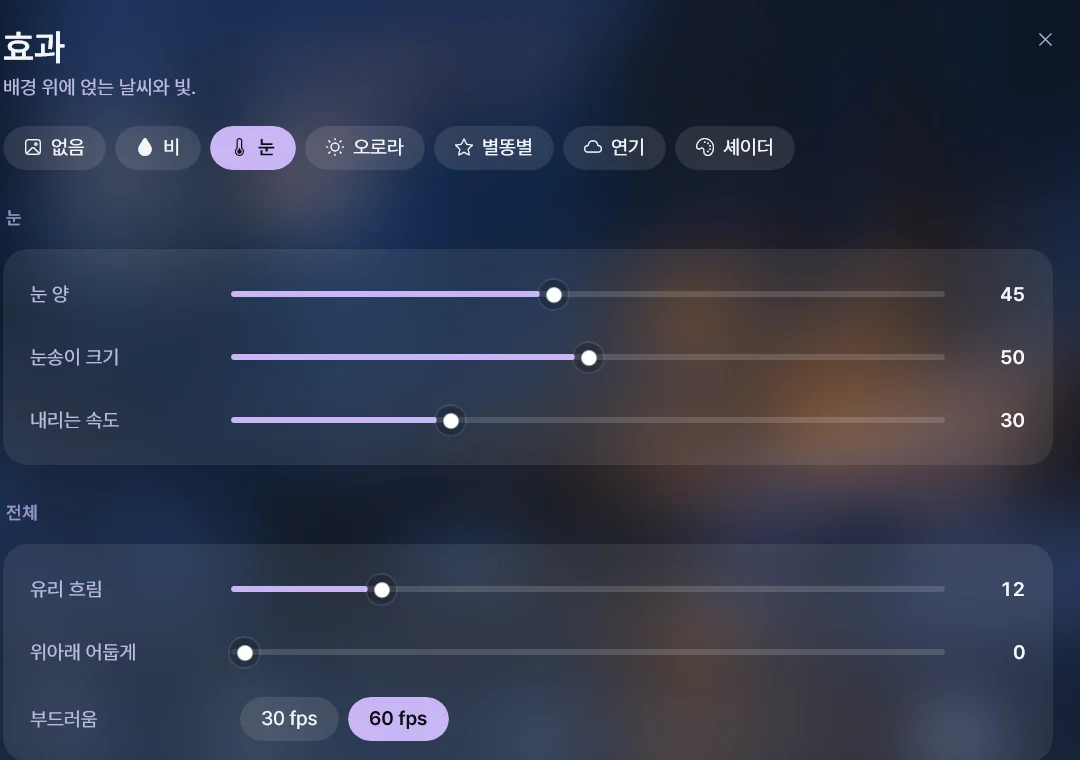 Background effectsBuilt on the Wallpaper:LAB engine, it adds rain, snow, aurora, shooting stars and more to your wallpaper.
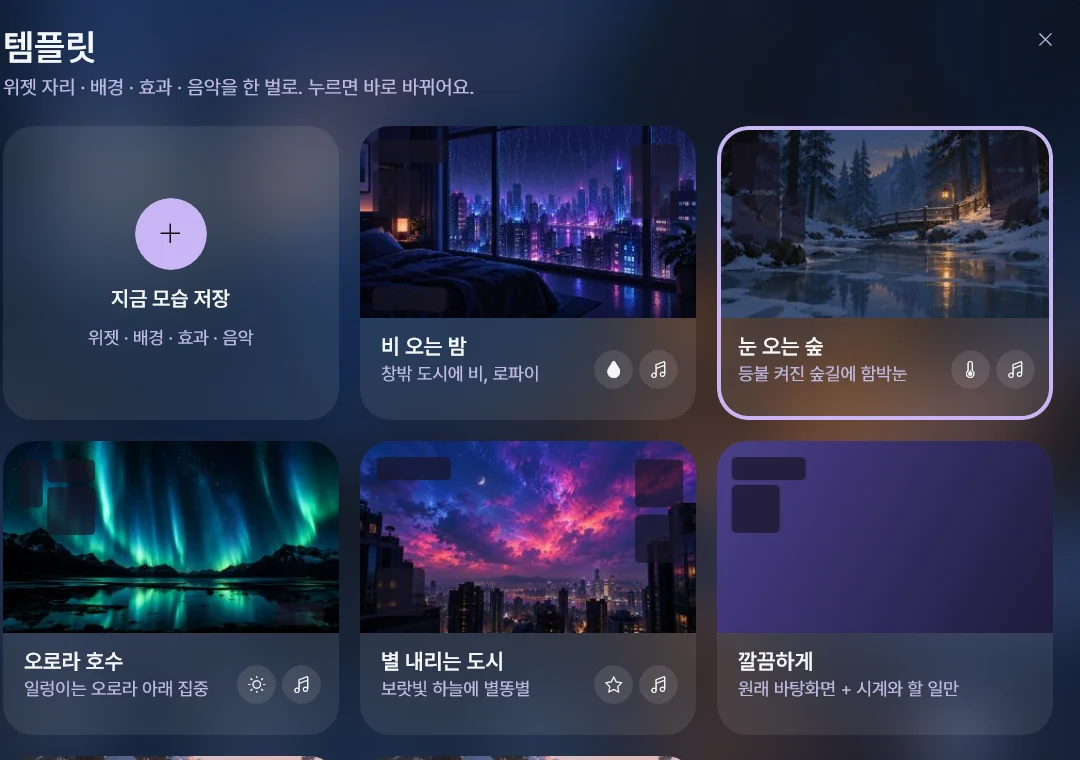 TemplatesSave your wallpaper, effects and widget layout as a template and load it anytime.
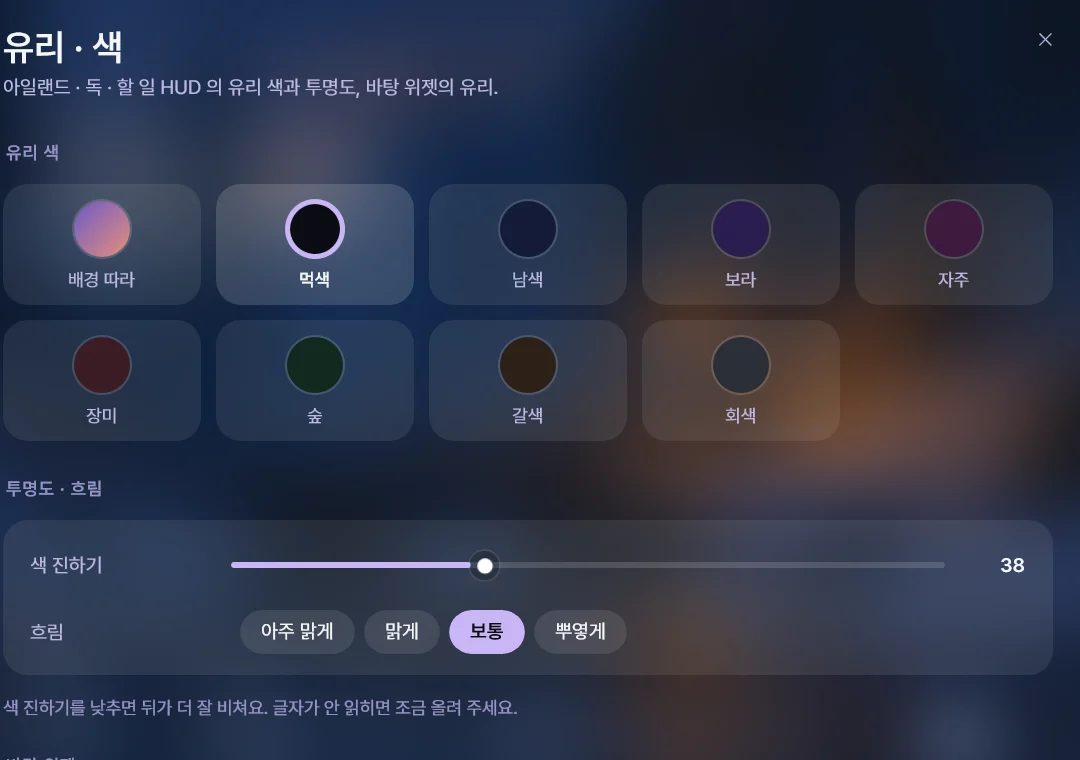 A better Glass effectMUE:DESK 2 has a better glass effect than version 1. Find the glass look that fits your screen and make MUE:DESK your own.
DockA taskbar with character.
Put a DOCK at the bottom of the screen instead of the plain Windows taskbar. Hover to grow the icons, and apps with open windows show a small live preview.
- Hidden iconsOpen the icons hidden on the right side of the taskbar right from the DOCK.
- Import taskbar appsBring in the apps pinned to your Windows taskbar in one go.
- Input language · sound · alertsSwitch them with the buttons on the right side of the DOCK.
Island PanelA small pill at the top of your screen.
The time and the song you are playing scroll across the top center of the screen. Click to open it. It reacts to what you do.
- 8 tabsHome, music, timer, schedule, system, shelf, notes, daily tarot.
- ShelfKeep the files you use often here and open them when you need them.
- AlertsThe island opens for a moment to show schedule reminders and finished to-dos.
Meet MUEThe MUE:DESK mascot.
MUE, the white face living in the island and the DOCK, reacts to what you do. It follows your cursor, squishes when you click it, dozes off when left alone, and talks to you in speech bubbles. You can also pull it out onto your desktop as a widget.
Quest boardYour schedule, like a game quest.
No browser needed. Press Win + Alt + Q and the Schedule HUD snaps to the edge of the screen. Check your to-dos for the day like a quest window in a game.
- Four tabsTo-do, schedule, notes, today.
- When you finishThe island lets you know when you finish a to-do.
WidgetsThey change shape as you resize them.
Put out the focus timer when you need to focus, or the calendar to check your schedule. Drag a corner to resize a widget, and its layout changes to fit.
- Widgets to pick from3 clocks, calendar, To-do, sticky notes, music, timer, system check, card of the day, MUE, hide desktop icons.
- Hide desktop iconsHides desktop icons from the screen only. Your files stay where they are.
Media playerYour own playlist on your desktop.
Start with the built-in music, then pick files or folders, or drop them on the music tab in the island, to build your own playlist. Music playing in your browser or other apps shows up in the island and the music widget too.
TemplatesWallpaper, effects and widgets as one set.
Save your wallpaper, effects, widget layout and music as one template, and switch to match your mood. Pick one in the Customize window (Win + Alt + D).
- Background effectsBuilt on the Wallpaper:LAB engine, it brings rain, snow, aurora, shooting stars and more.
- Glass effectSee-through glass behind your windows. Pick the color, opacity and blur that fit your screen.
- Default templatesRainy night, snowy forest, aurora lake, starfall city, clean.
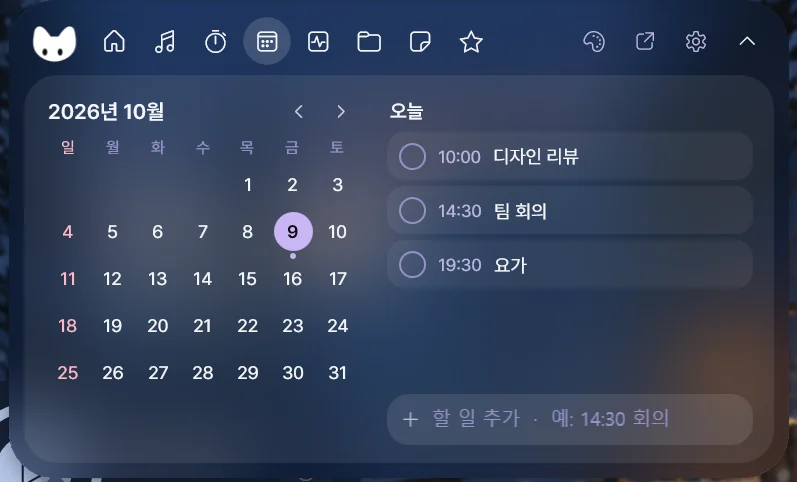
PlansRepeating events and reminders.
Add events that repeat daily, on weekdays, weekly or monthly, and get an island alert on time or 10, 30 or 60 minutes before.
- Set it as you typeWrite the repeat and reminder into the event text, and both are set at once.
- Pick from a menuChoose the repeat and reminder with the button next to the event.
Brand filmMUE:DESK 2.0 on video.
Vertical videos made from the real MUE:DESK 2.0 screen. Tap the speaker for sound.
FeaturesFree vs Pro.
The Demo (free) version also gets Pro features for 7 days.
| Feature | Free | Pro |
|---|---|---|
| Dock · Island · MUE | Full | Full |
| To-do · To-do HUD | Full | Full |
| Desktop widgets | Full | Full |
| Glass color · opacity · blur | Full | Full |
| Music · playlists | Full | Full |
| Templates | 1 default template | 5 default templates + your own |
| Live backgrounds · effects | — | Rain · snow · aurora · stars and more |
| Notes | 5 | Unlimited |
| Schedule | Dates within 2 weeks | No date limit |
| Repeating events · reminders | Not included | Included |
Your screen, your day.A desktop made for your everyday.
MUE:DESK 2.0 · Windows 10/11 · 64-bit · About 72MB. Try every Pro feature for the first 7 days, then keep using the Demo (free) version. The app is not code-signed, so Windows may show a warning the first time you run it.