Your desktop, every day.Clean and simple, every day.
Schedules, widgets, and a tidy desktop. An app that completes your desk setup.

Do you open a browser for music, keep Notion up for your schedule, and open Notepad just to jot something down?
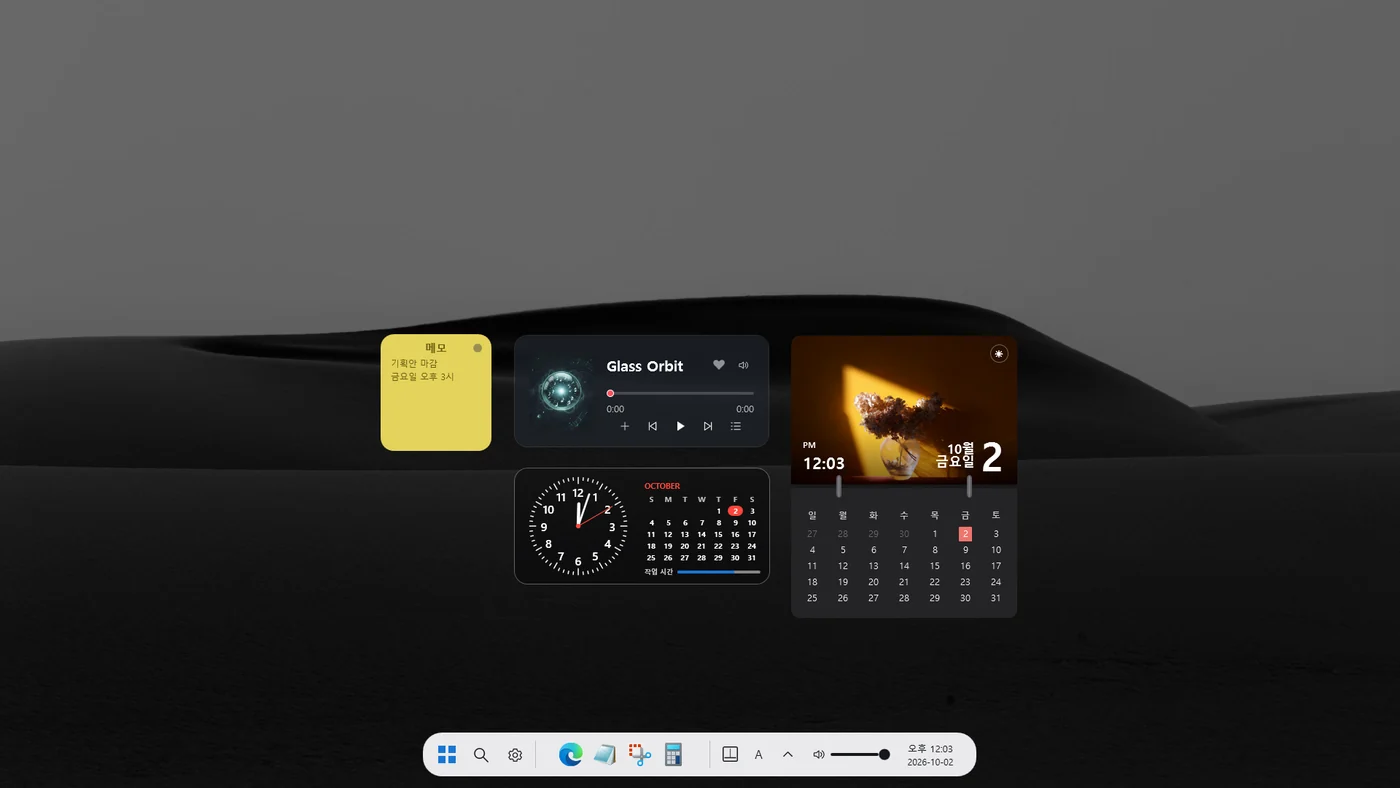
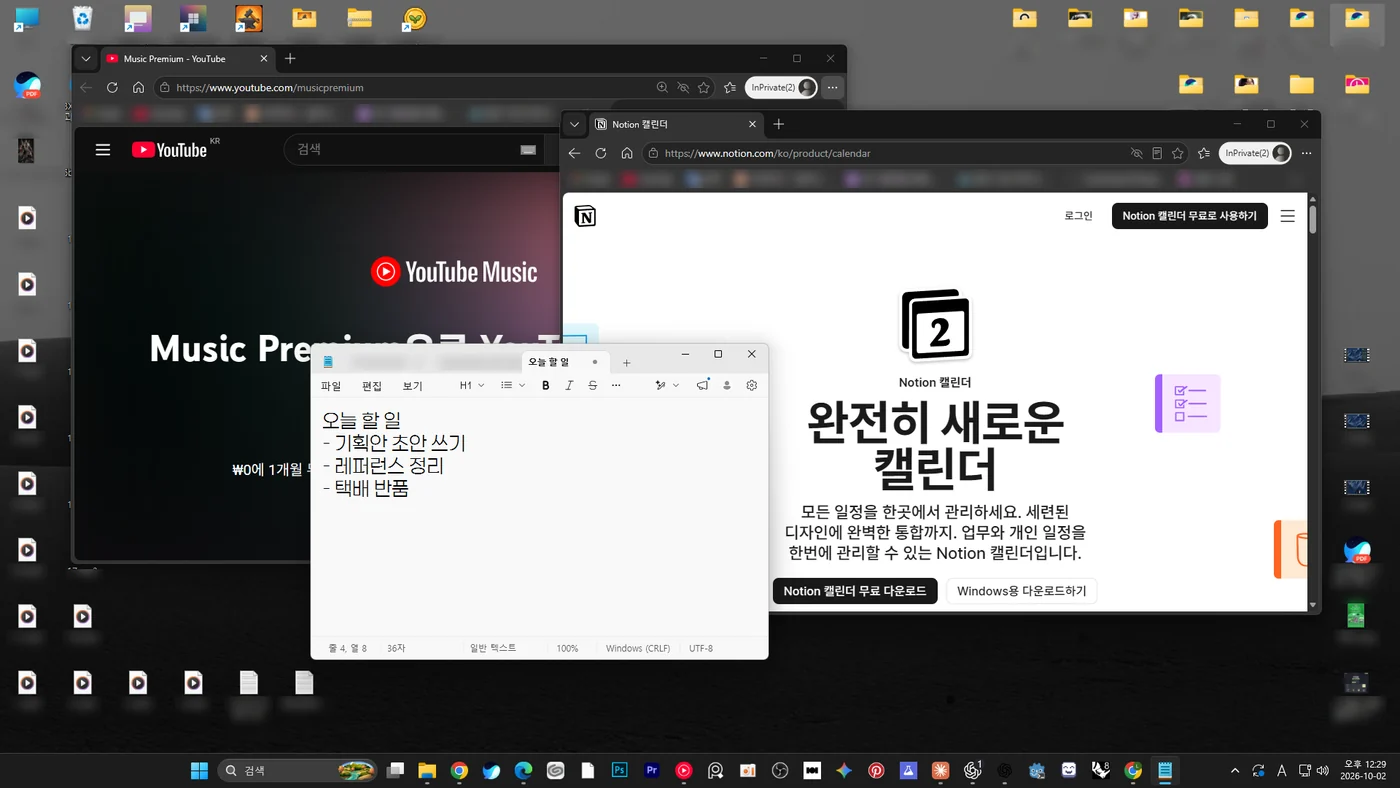
What if all of it fit in one taskbar?
With MUE:DESK, handle it in one place and finish your desk setup with a cleaner desktop.
MUE:DESK at a glanceEvery feature in one view
Lots of features in one taskbar, useful and tidy. Tap a tile to see the real screen.
 TaskbarReplaces the Windows taskbar. Apps, volume, clock, and widget settings in one bar.
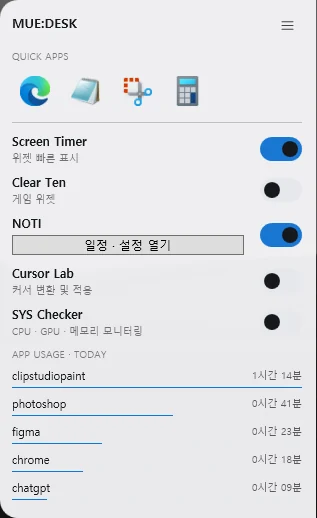 SidebarA shortcut panel that slides out from the edge of the screen.
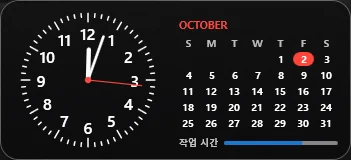 Screen TimerA work clock that tracks how long you use your apps.
 NOTI scheduleSee your schedule and to-dos right above the taskbar.
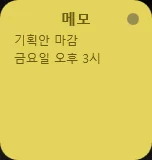 Post-itNotes you unfold only when you need them.
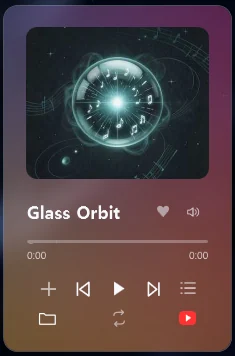
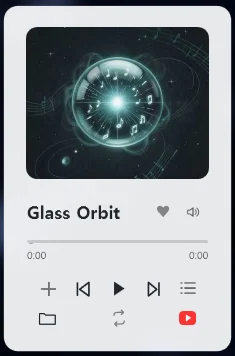
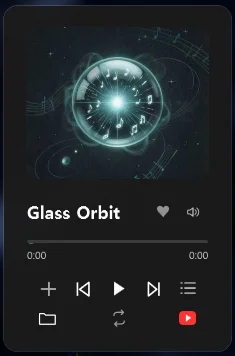
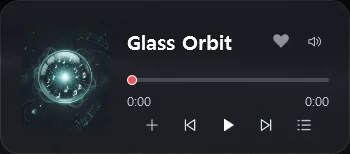 Music PlayerPlays music files from your PC right on the desktop.
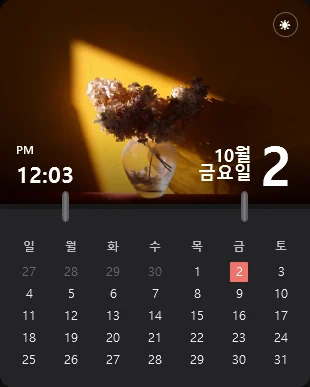 Photo CalendarA desk calendar that holds a photo or video you love.
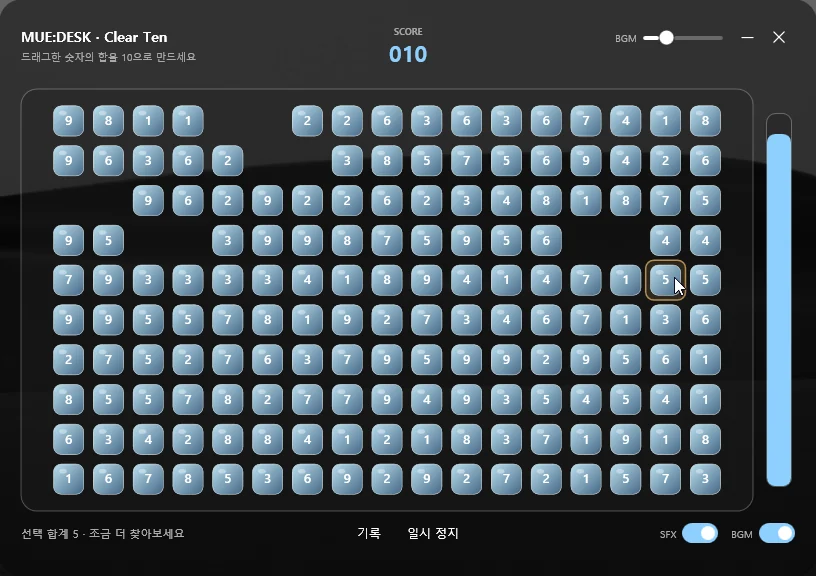 Clear TenA puzzle game where you group numbers that add up to 10.
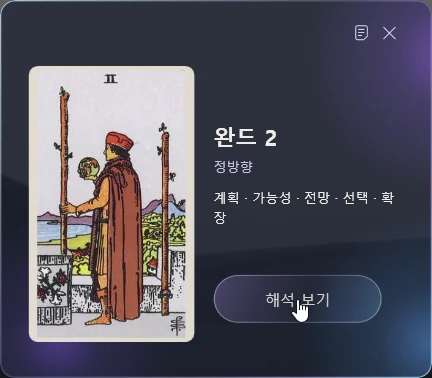 One Day TarotDraw one tarot card for today.
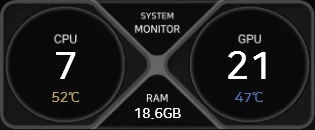 SYS CheckerShows CPU and GPU usage, temperature, and memory.
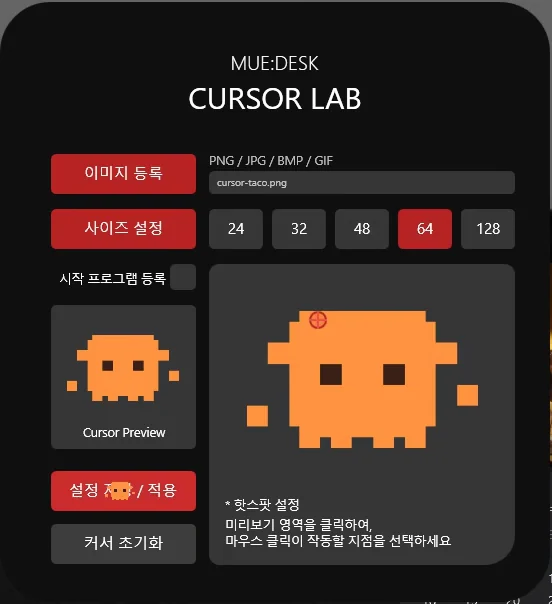 Cursor LabMake a mouse cursor from any image you like.
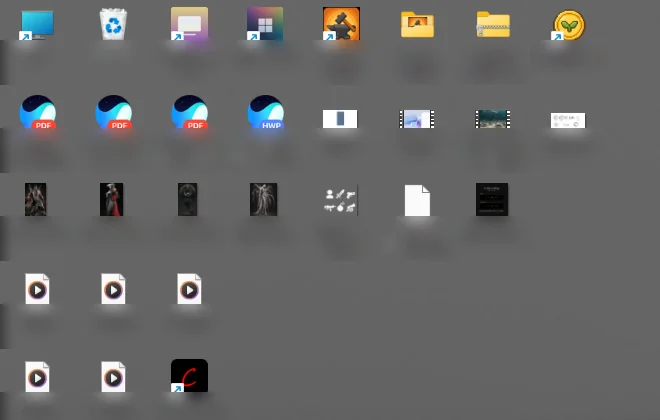 Desktop VailHides desktop icons from view only.
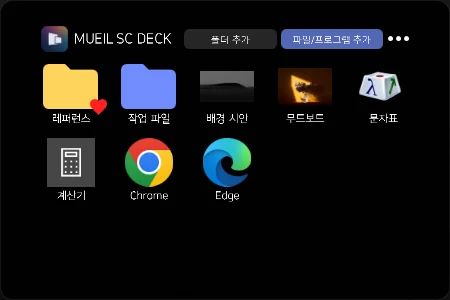 SC:DECKOpen your go-to folders, files, and programs with a shortcut key.
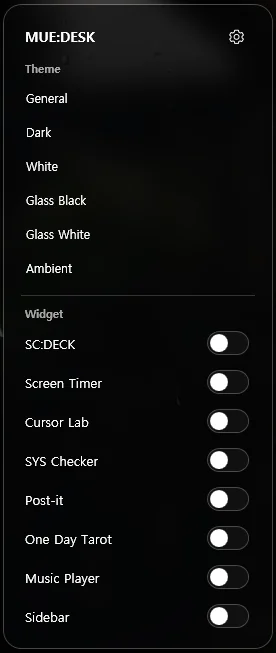
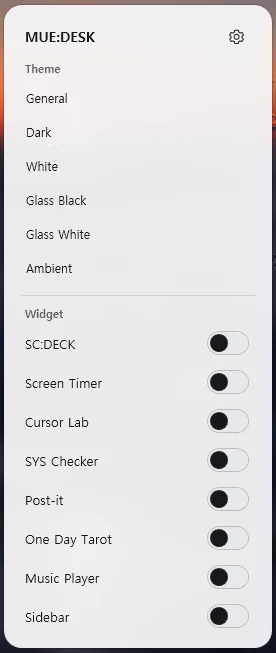
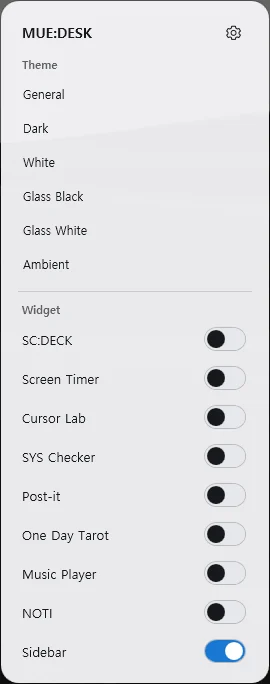 Only the widgets you needTurn them on and off from the taskbar's settings button.
Six themesColors that fit your desktop.
Change the color of the whole UI, including the taskbar and sidebar. General, Dark, White, Glass Black, Glass White, Ambient.
- General

- Dark

- White

- Glass Black

- Glass White

- Ambient

Music, close byYour favorite songs, close at hand.
Card or bar. Pick where your music plays.

Three clocksThree ways to see the time.
An analog clock with a calendar, bold numbers, or segment numbers.
Leave it alone and it switches style every 2 seconds.Today's work
Write it downBefore the thought slips away.
Jot down a quick thought or today's to-dos.
Turn on Always on Top to keep it above other windows.
Within reachLess time hunting for tools.
Keep your go-to apps and widgets in one place. Open it when you need it, fold it away to focus.
Turn music, the timer, Post-it, the calendar, Clear Ten, Cursor Lab, and SYS Checker on and off here.

Photo calendarYour favorite moments, always close.
Put a photo you love and today's date on the screen you see every day.
Your photo opens only in this browser.Clear TenA short break, a little focus.
A puzzle where you make numbers add up to 10. 10 rows, 17 columns, 120 seconds. Same rules as the app.
Drag over an area, or tap two corners one after the other. Sound plays once you start.TaskbarOnly as long as it needs to be.
A taskbar that grows and shrinks with your apps. Your go-to tools stay close.
NOTISchedule and to-dos, above the taskbar.
Schedule and To-do list in one. No extra windows: it all happens on the taskbar.
- Schedule and To-do listClick the badge once to switch between schedule and To-do list.
- Add an eventSet the text, time, and color, and you're done. A Windows notification pops up when it's almost time.
- Ending · Turning off eventsPast events clear away on their own. Click an event to put it on hold.
One Day TarotOne tarot card for your day.
Before your day starts, draw one card a day from a deck of 78.
- ReadingsSee what the card means, plus readings for love, study, health, money, and more.
- Past cardsLook back at the cards you drew, by date.
SYS CheckerYour PC's status, right on the desktop.
Check CPU and GPU usage, temperature, and memory live during heavy work or games.
- Right-click menuSee FPS tracking, fan speed, frame rate, 1% Low, and CPU temperature sensor status.
- TemperatureCPU temperature shows only after you allow admin rights.
Cursor LabYour own cursor, from an image you like.
Load a PNG, JPG, BMP, or GIF and turn the arrow, hand, text, and busy cursors into your image.
- Size · Click pointPick 24, 32, 48, 64, or 128, then click the preview to set where clicks land.
- Going backQuit MUE:DESK to get your old cursor back. Press Reset cursor for the Windows default.
Desktop VailIcons stay put. They just disappear from view.
Desktop icons cluttering your screen? Turn it on to hide them while your files and folders stay where they are.
- On and offTurn it on in Global settings → MUE:DESK settings. Turn it off to go back.
- Nothing movesIt never moves or deletes your files.
SC:DECKOne key, and it's on screen.
Keep your go-to folders, files, and programs in one place and open them fast. The default shortcut is the ` key.
- Folders · Files · ProgramsDouble-click a folder to see what's inside. Images, PSD, and CLIP files show previews.
- OverlayPrograms open on top, at the size and spot you set. Press the shortcut again to hide them.
- Works with MUE:DESKTurn SC:DECK on and off from the taskbar's settings button.
Real footageSee it running for real
Every video here is a recording of the real program. Pick a feature and the clips play in order.
Your screen, your day.Shaped around your everyday.
This page is about the previous version (Alpha V1). The current version is MUE:DESK 2.0. Downloads and Pro keys are on the 2.0 page.