Light it up.So your work can shine
Meet Toon Maker, an all-in-one tool for post-processing, 2.5D rendering, social media screens, and backgrounds.
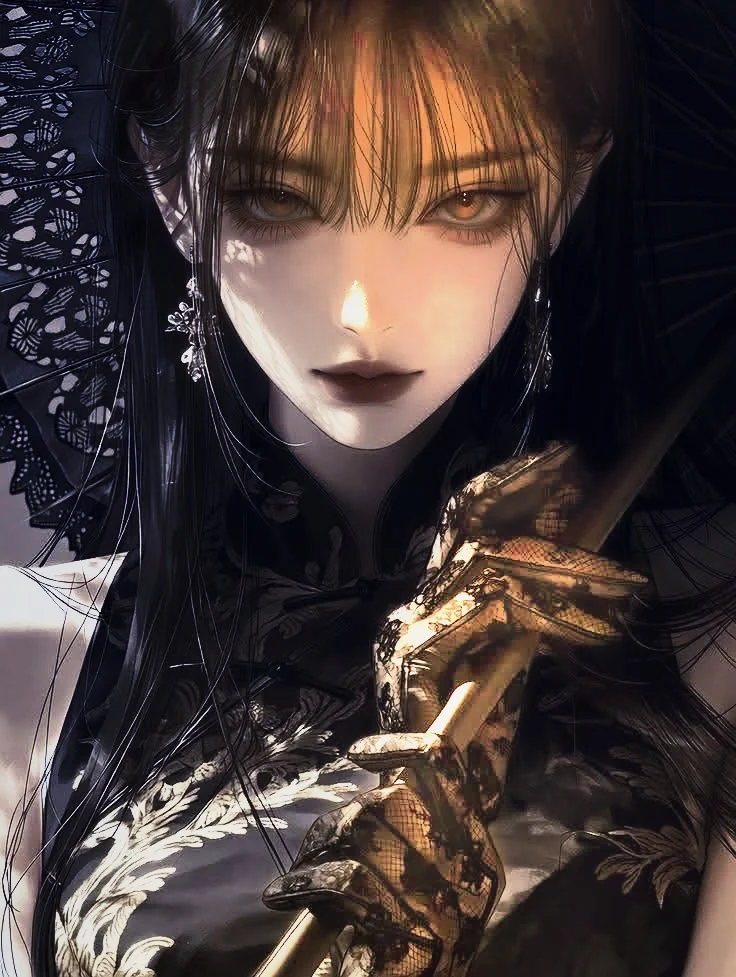
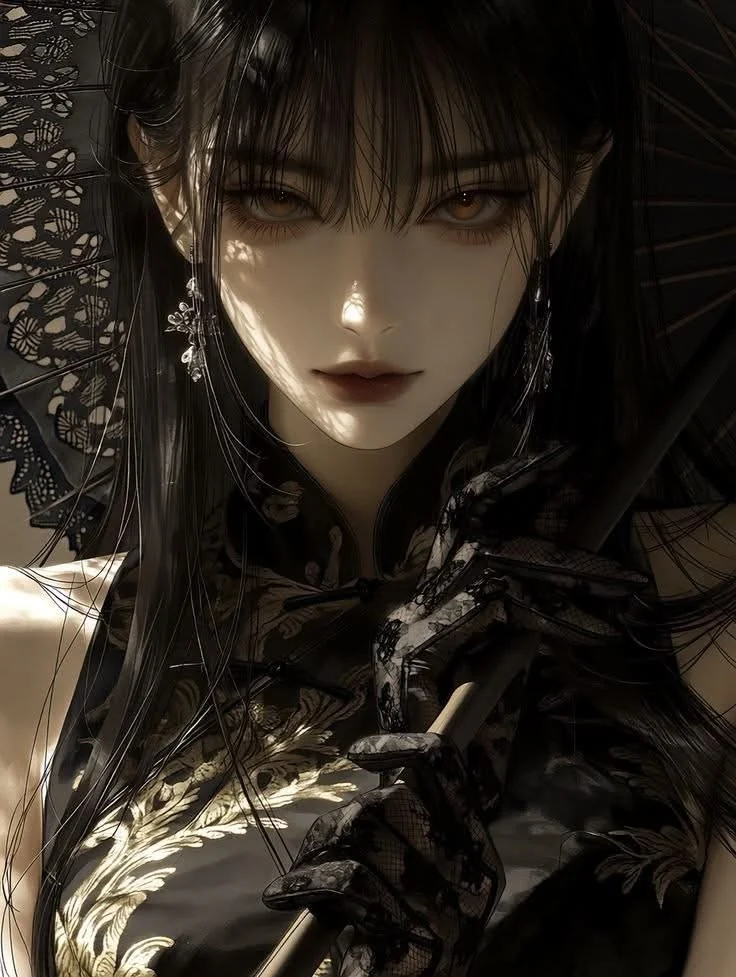

Ever bought an auto action because it looked nice and easy, only to find it didn't suit your art?
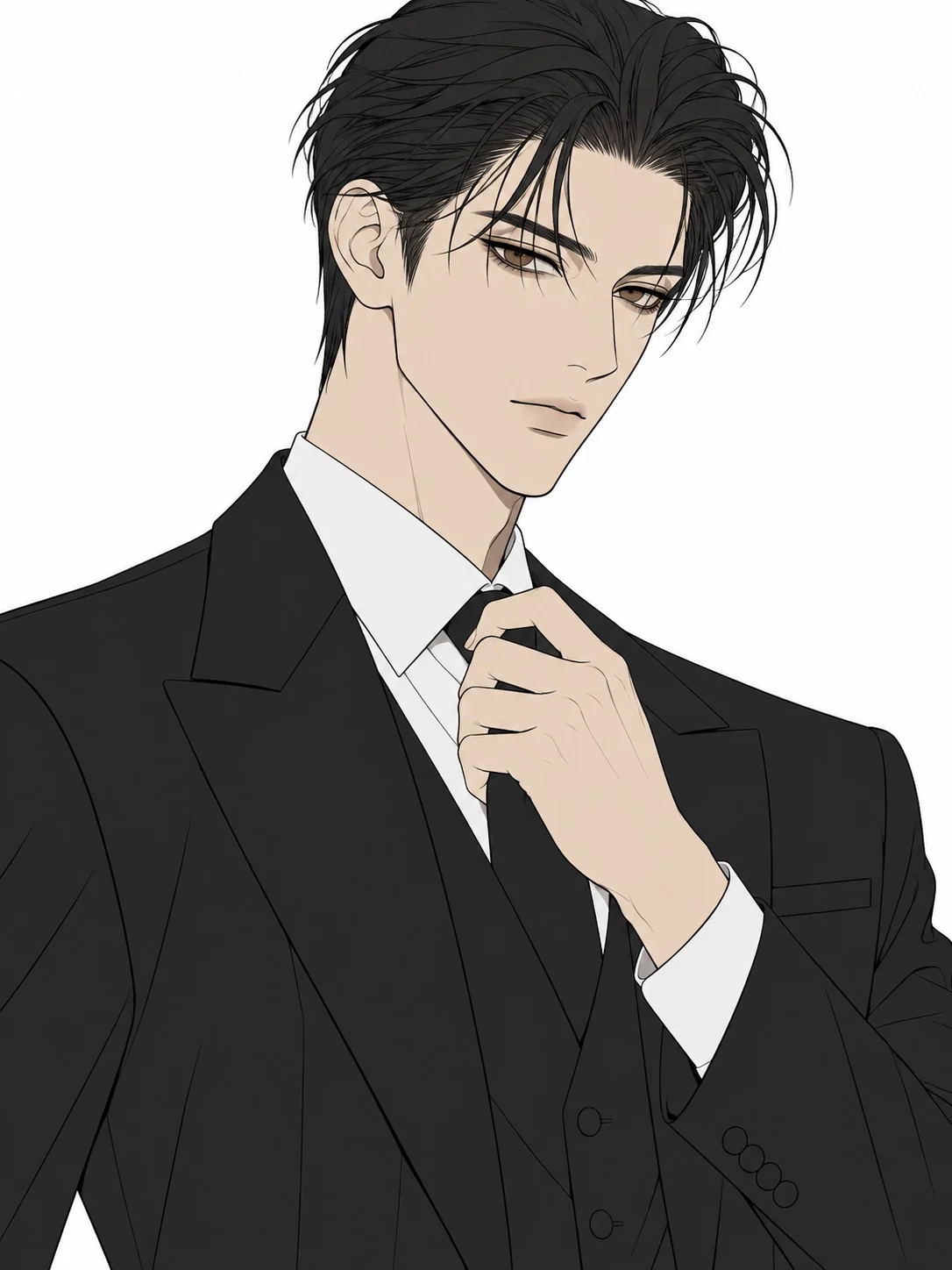
Now Toon Maker makes it simple.
Pick a theme and a time of day,
and it makes up to 10 auto actions for you.
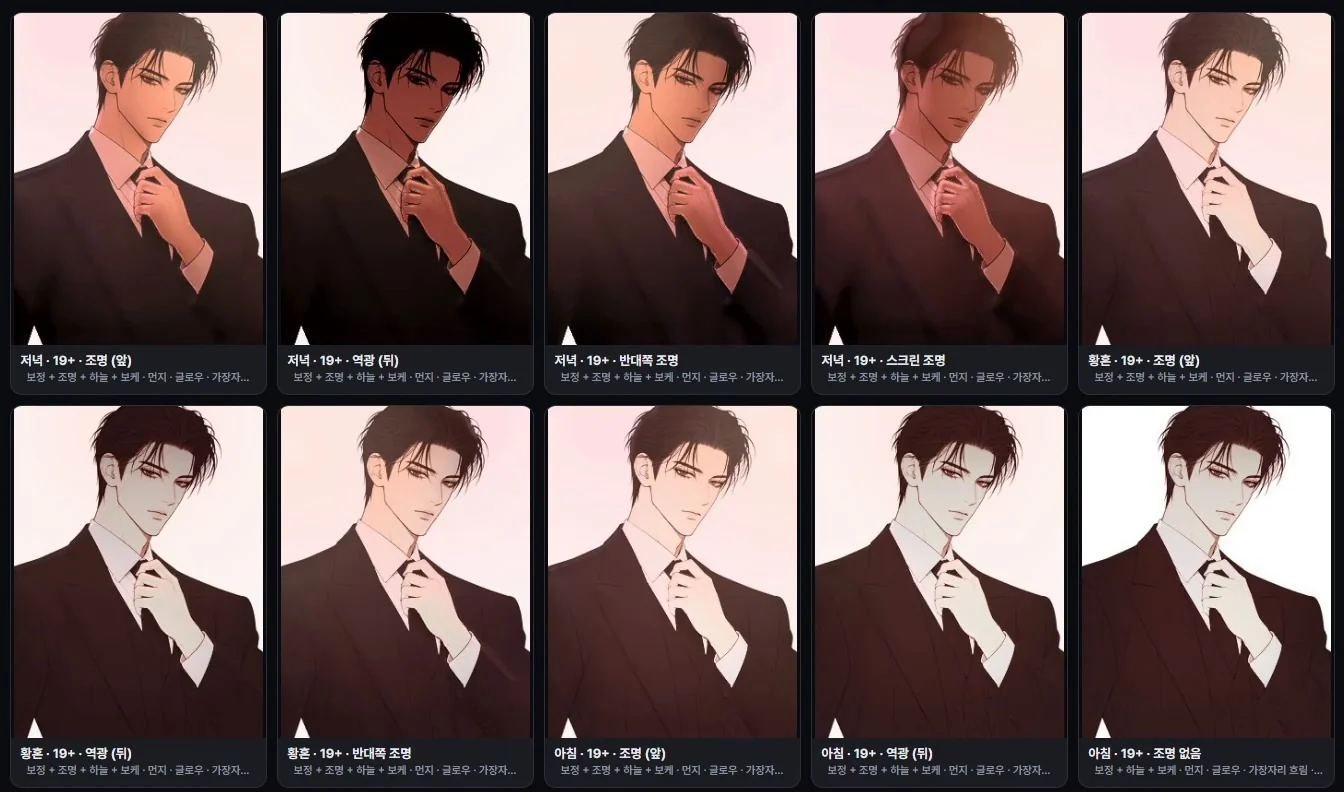
Already have auto actions you use?
Add them to Toon Maker to tune them,
and quickly make similar ones.
StructureEvery Toon Maker feature on one screen
Pick a feature and adjust it in the panel on the right.
Too many controls? Use One-Click grading.
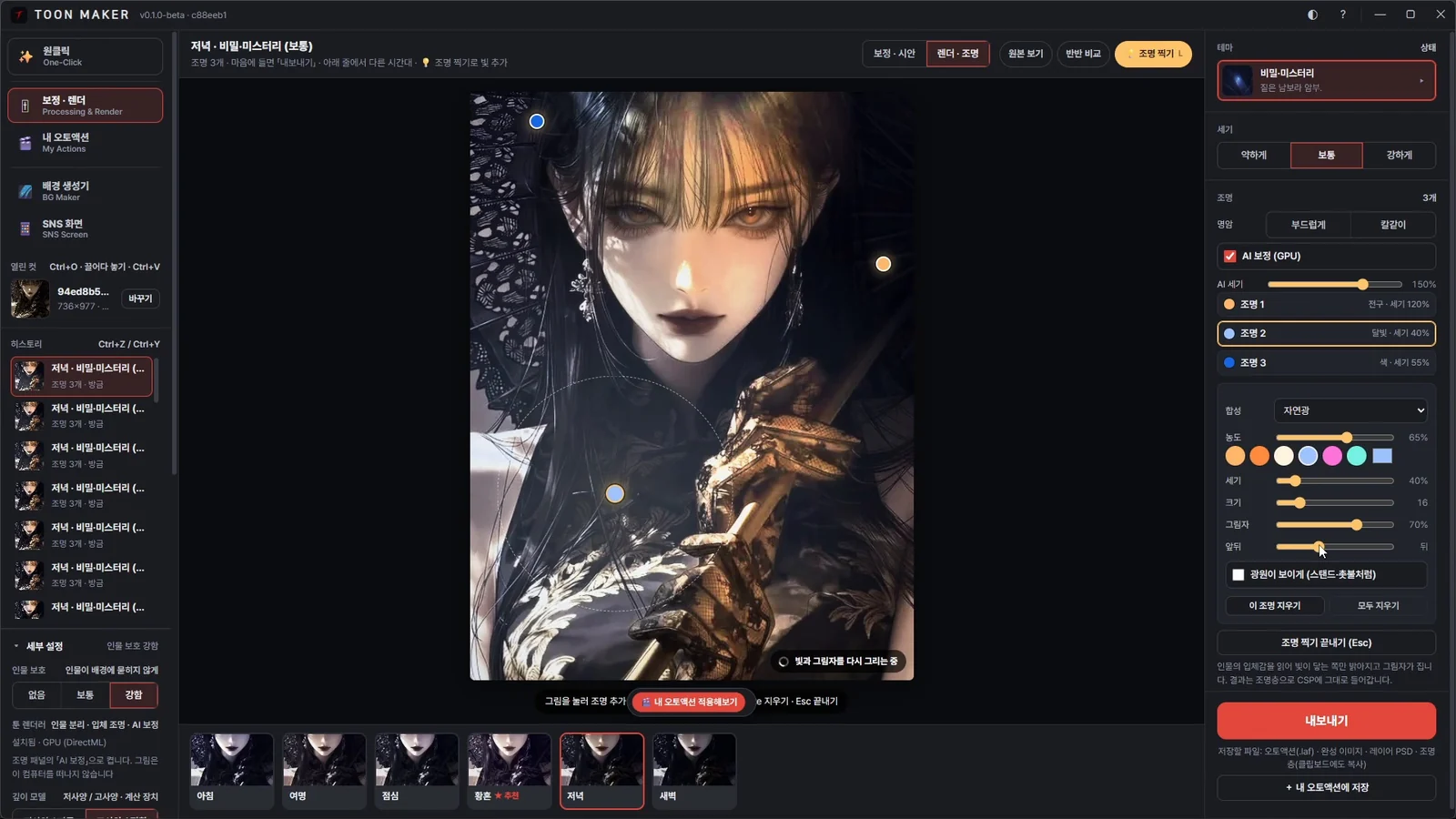 One-Click · Grade · RenderThemesLights (three)Light panel6 times of daySplit compareExportHistory
One-ClickAuto actions that fit your art, in one click.
Pick one of 30 themes and set a time of day. You get 10 graded versions.
Export one straight into your comic, or save it in Toon Maker.
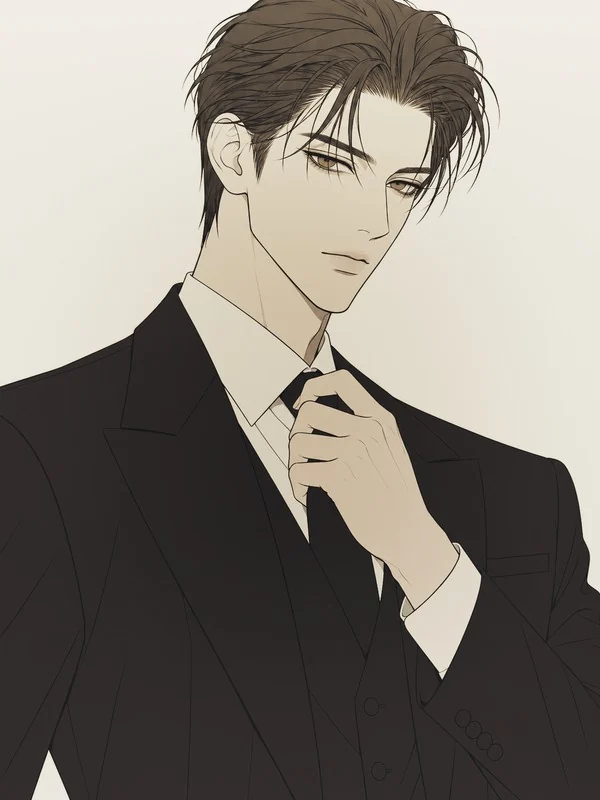
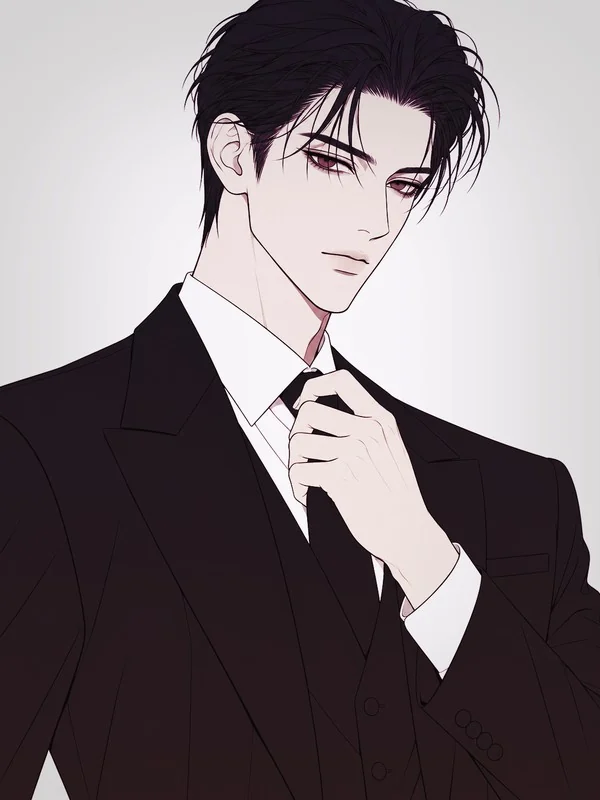
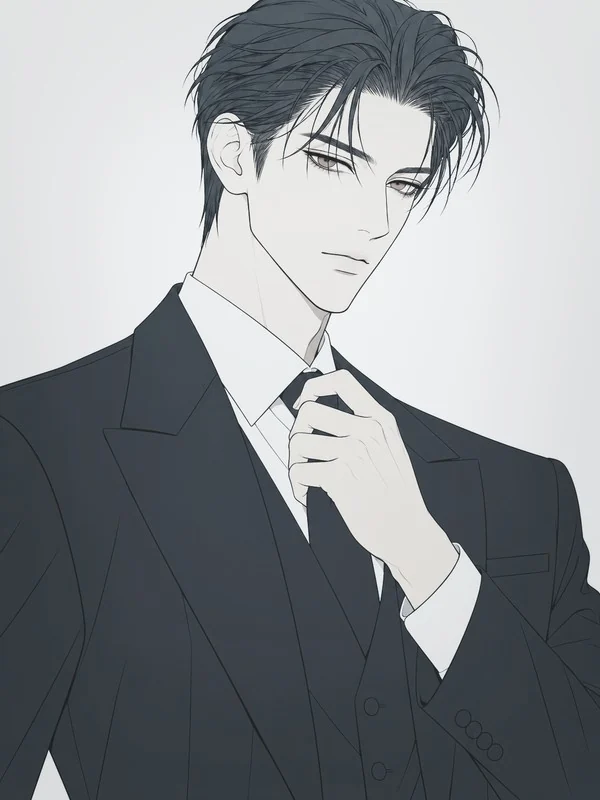
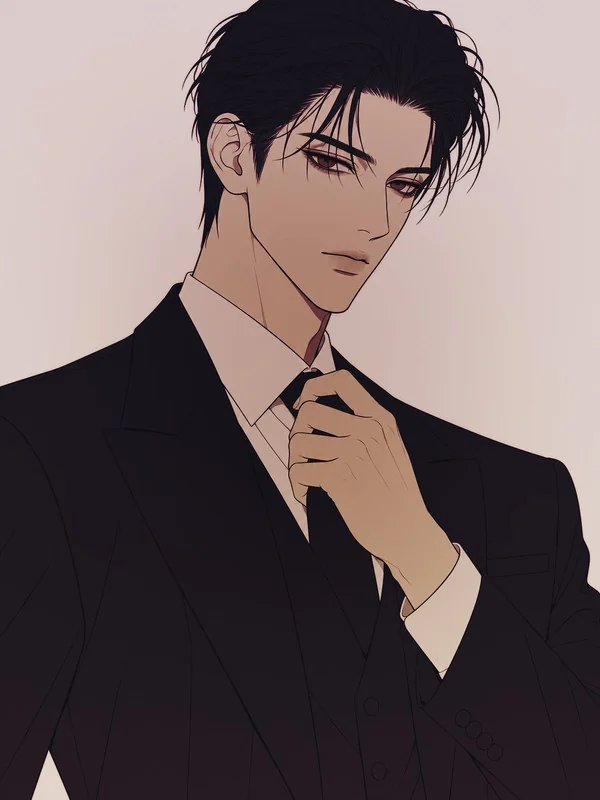
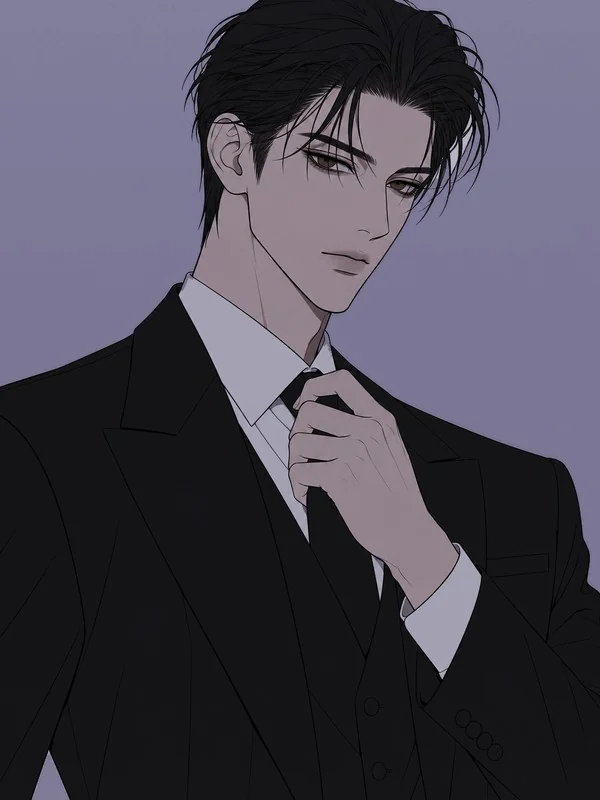
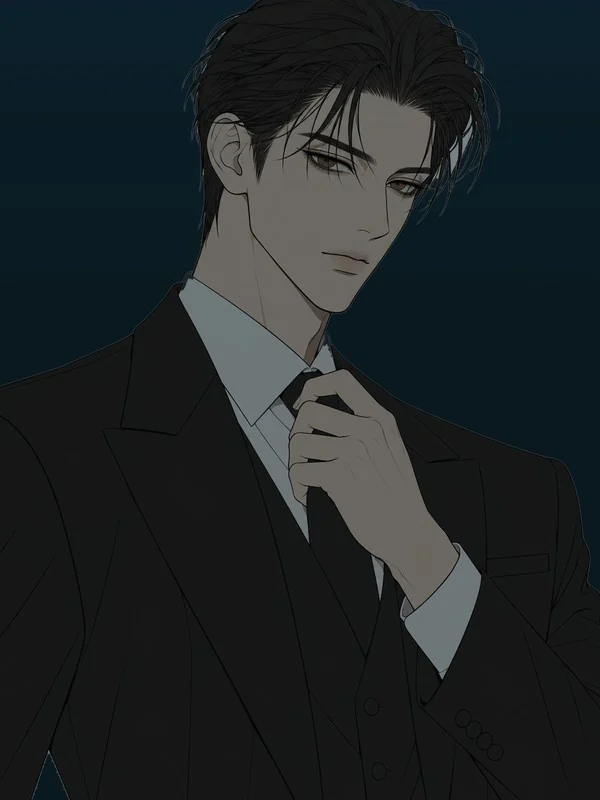
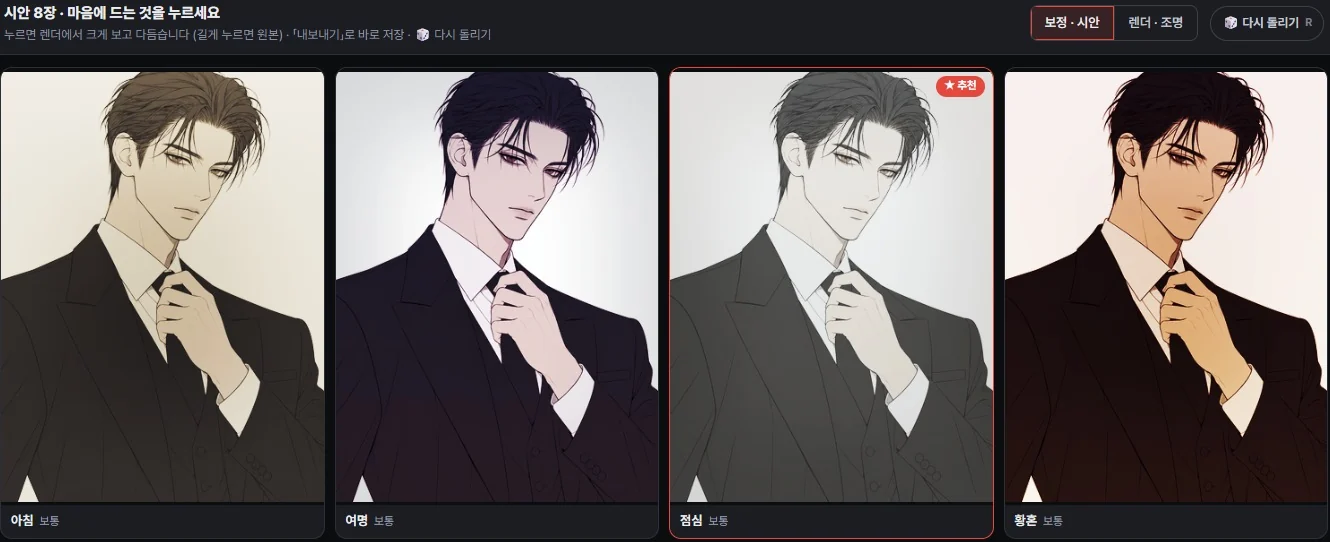
Time of DayGrading by time of day
Even within one theme, changing the time of day gives a whole new mood.
- 6 times of dayFirst light · Morning · Noon · Twilight · Evening · Predawn
- ★ PickTimes with balanced hue and brightness contrast get a pick mark, so choosing is easier.
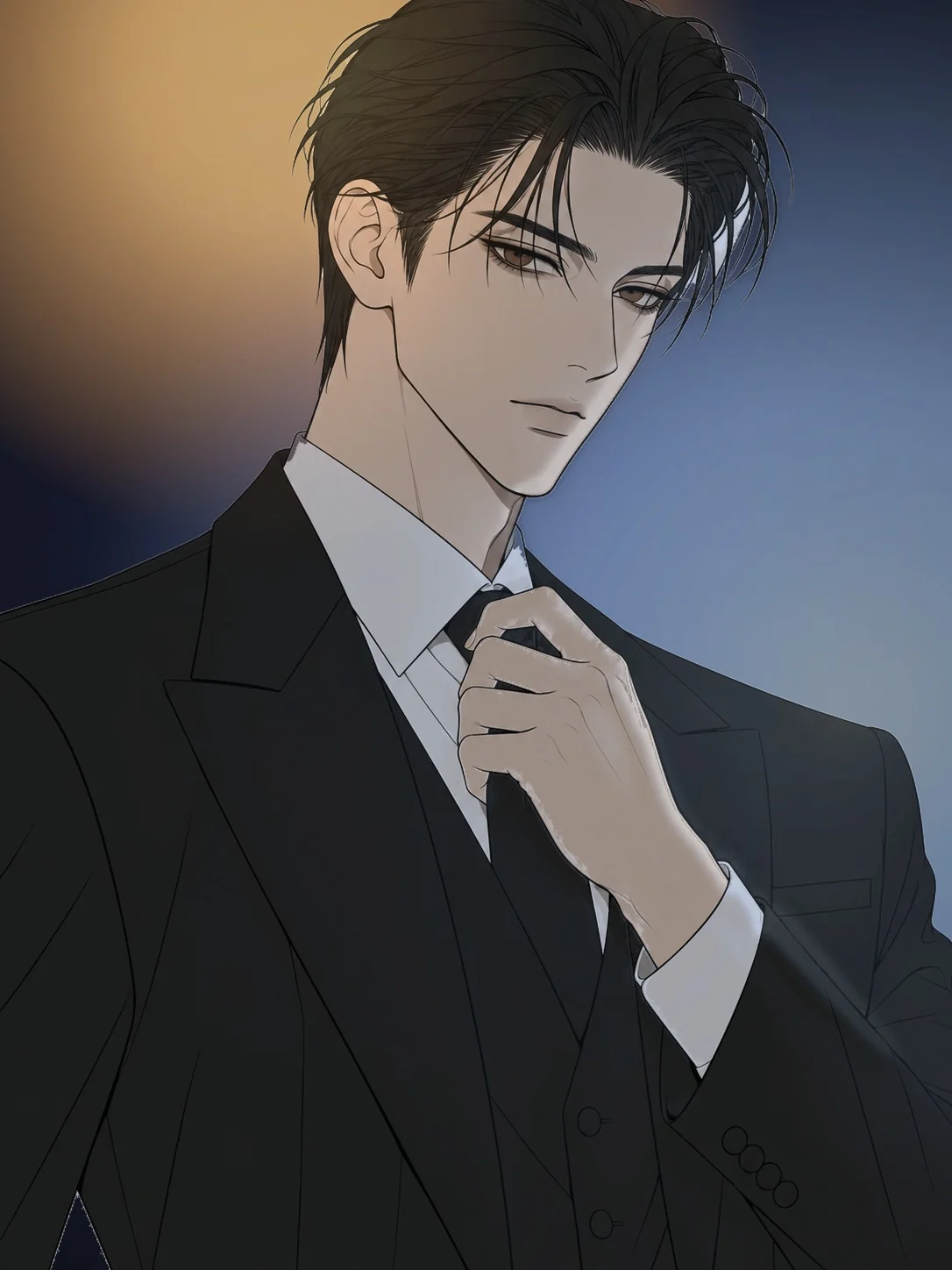
2.5D Rendering2.5D rendering that reads your art
Not quite there? Try 2.5D rendering, which tells front from back in your art.
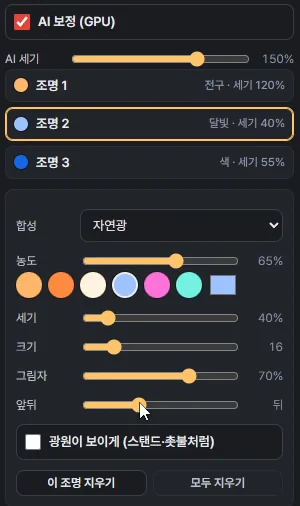
- Add lightsAdd lights and adjust color, tint, range, and position.
- Layer effectsApply dodge, screen, overlay, and more.
- Still improvingIt isn't perfect yet, and updates will keep improving it.
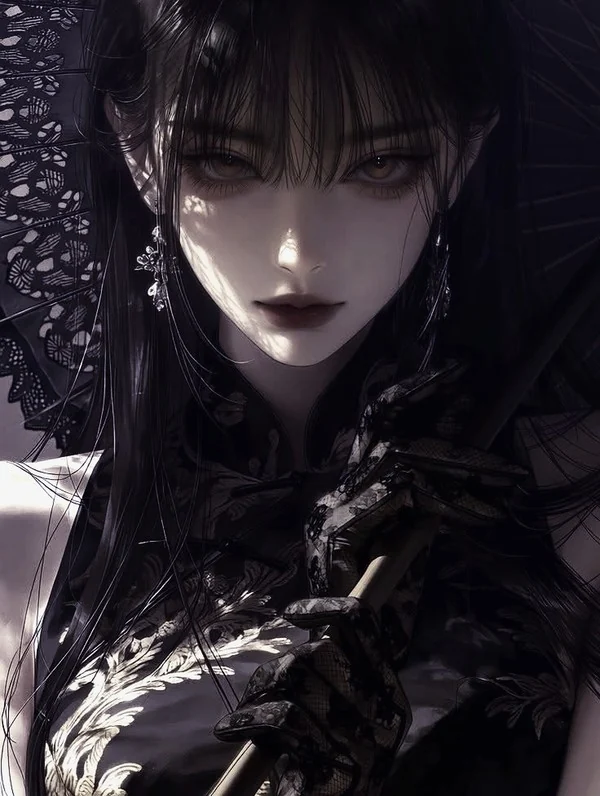
AI ShadingShading by AI
It takes rendering further. Use it when working out the light is hard.
- Trained with BlenderAn AI shader trained on many renders made in the 3D tool Blender.
- Depth estimationIt estimates depth in your art for more realistic lighting.
Split CompareBefore and after, side by side
Want to check against the original while you work? Use the [Show original] button or the [Split compare] slider at the top.
Quick CaptureStart from any screen
One shortcut starts grading right from the screen you are working on.
- Screen captureCapture your work screen, grade it, and apply it straight to your comic.
- Match resolutionEnter your working resolution and it exports at that size.
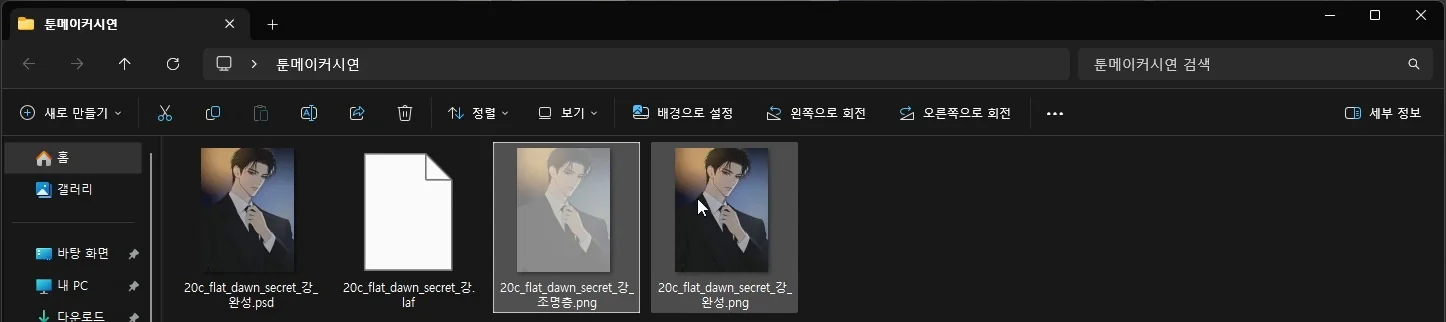
- Layers keptExports the auto action, a layered PSD, and a lighting layer image together.
Auto Action · PSDGrading with every layer kept
Toon Maker exports results separately as an auto action, a PSD, and a lighting layer image.
Open the PSD in Clip Studio Paint or Photoshop to keep fine-tuning.
BG MakerEndless background maker
Make simple backgrounds right in Toon Maker.
- 2,500 assetsMix the built-in assets into many combinations. (More on the way)
- Add your ownAdd image assets you already have.
- Layered PSDExports as a PSD with layers kept.
SNS ScreenSocial media screen maker
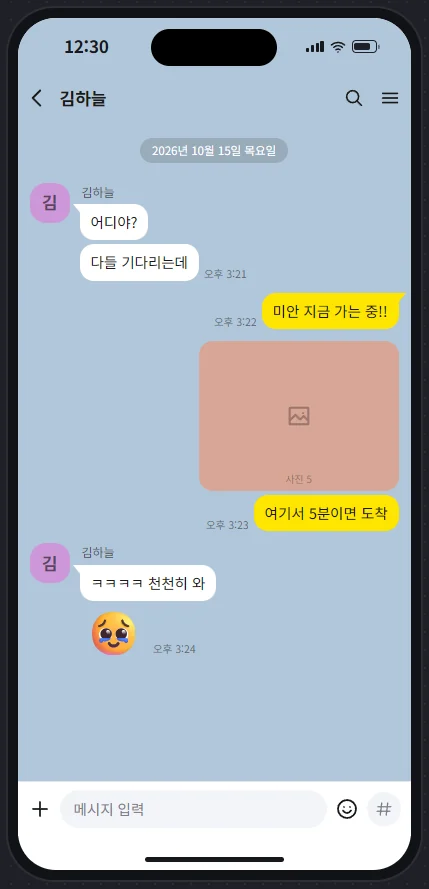
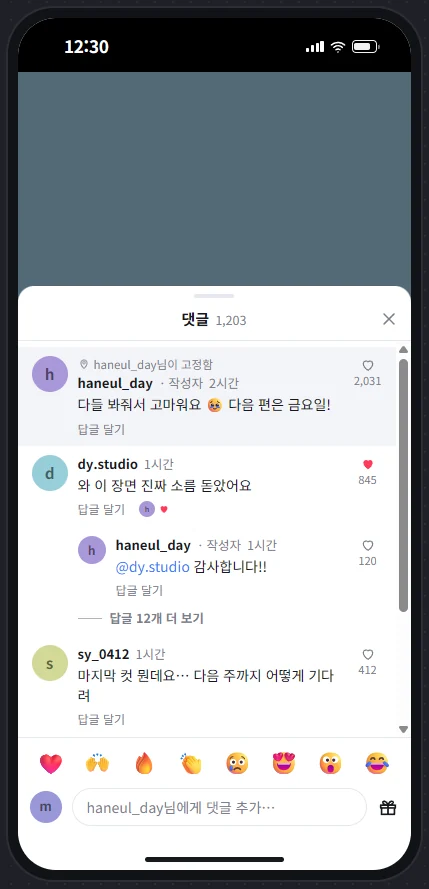
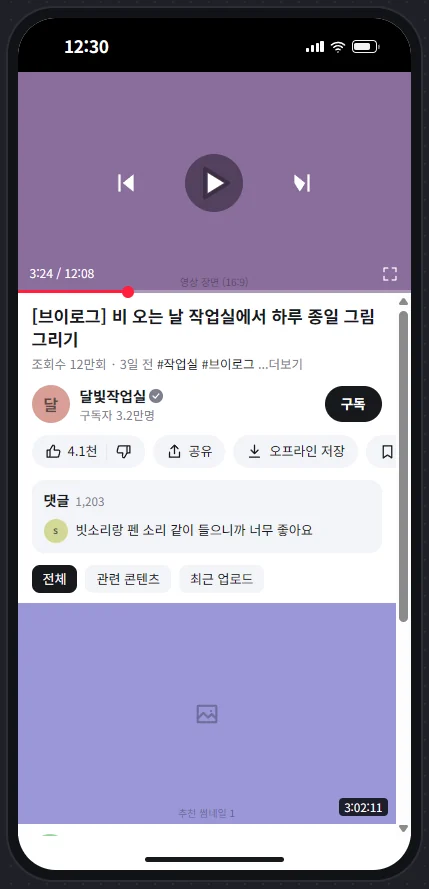
Make screens like Instagram, Twitter, KakaoTalk, YouTube, and forum posts. Add photos and edit the conversations.
SpecsWhat you need
| OS | Windows 10 · 11 (64-bit) |
|---|---|
| Works with | Clip Studio Paint (runs the auto actions) |
| File formats | CSP auto action (.laf) · Layered PSD · PNG |
| Recommended | 16 GB memory · 8 GB minimum (low-spec mode) |
| AI shader | NVIDIA graphics card recommended (AMD and Intel graphics cards also supported) |
| First install | Installs a dedicated AI renderer (needs about 2 GB of storage) |
| Image processing | Your images and results are processed only on your PC. They stay private. |
This is a beta. [Background grading] and [Speech bubble auto actions] are planned for later.

Light it up.So your work can shine
Free demo. Grading, rendering, and SNS Screen are included, and it installs without admin rights. A full license key unlocks One-Click, My Auto Actions, Quick Grading, and Background Maker.
Toon Maker · Windows 10/11 · 64-bit.