 Free · Windows
Meet Click Hero
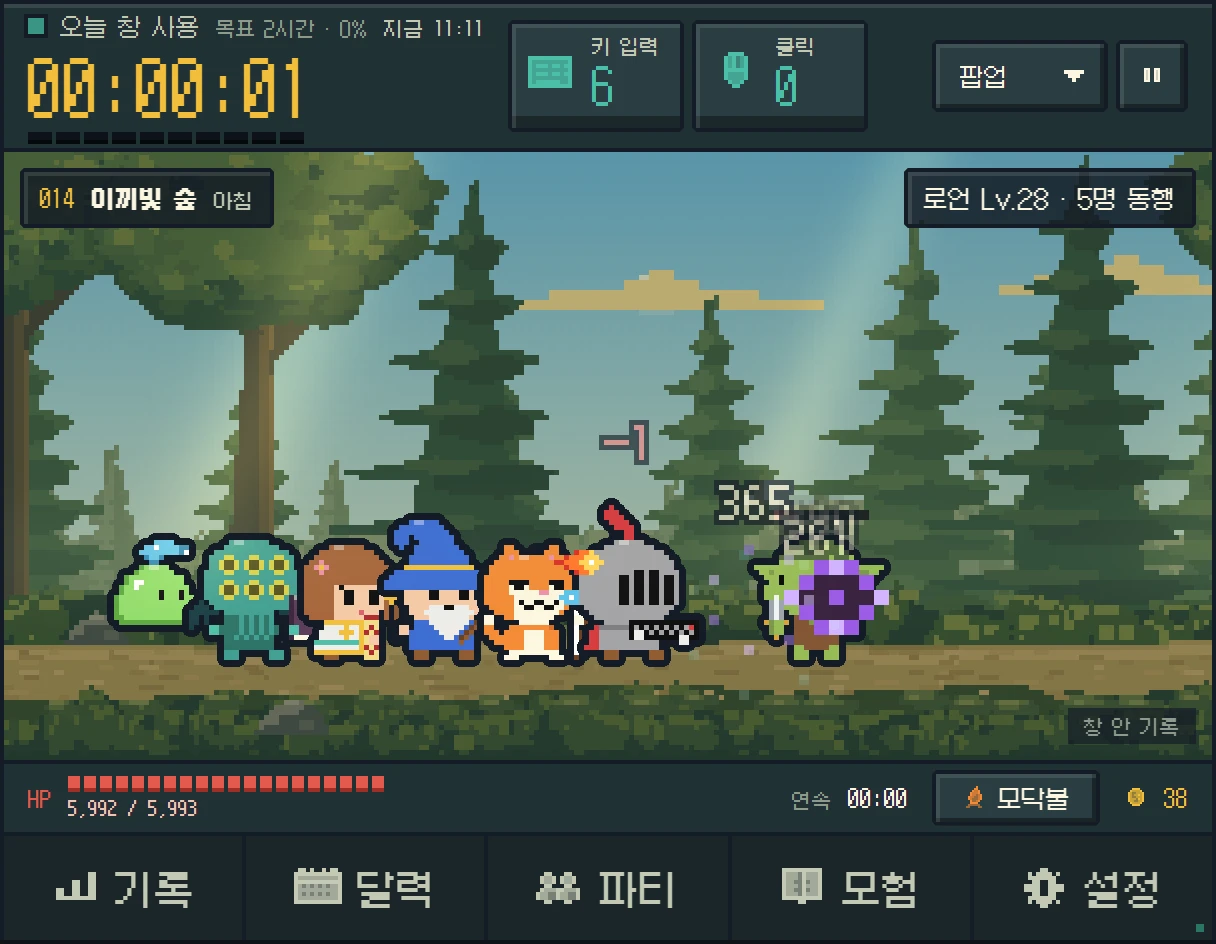
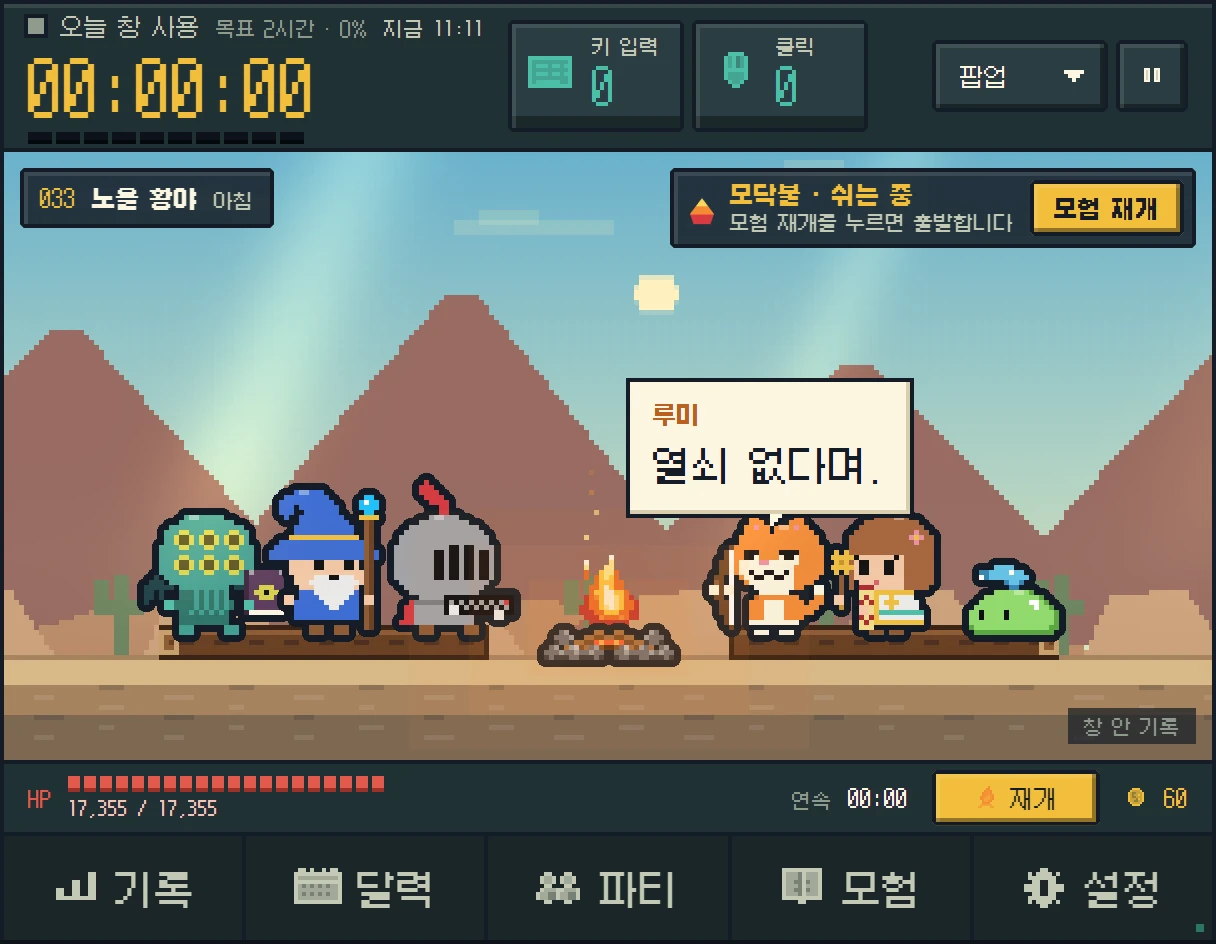
Click Hero is a small game you keep in a corner of your screen while you work. Every key press or mouse click moves the knight Rowan one step forward, and when he meets an enemy on the road, he attacks. You don’t need to set time aside to play. Just work as usual, and Rowan keeps moving.
Rowan, a not-so-bright knight
Rowan is the last heir of a once-famous family of record keepers. He means well, but he’s not very bright: every time he drinks water, he forgets to tilt the cup and soaks his shirt. Now he sets off to find the “Ultimate Manuscript” and restore his family’s name. He left the house key inside the house, though.
Recruit five friends
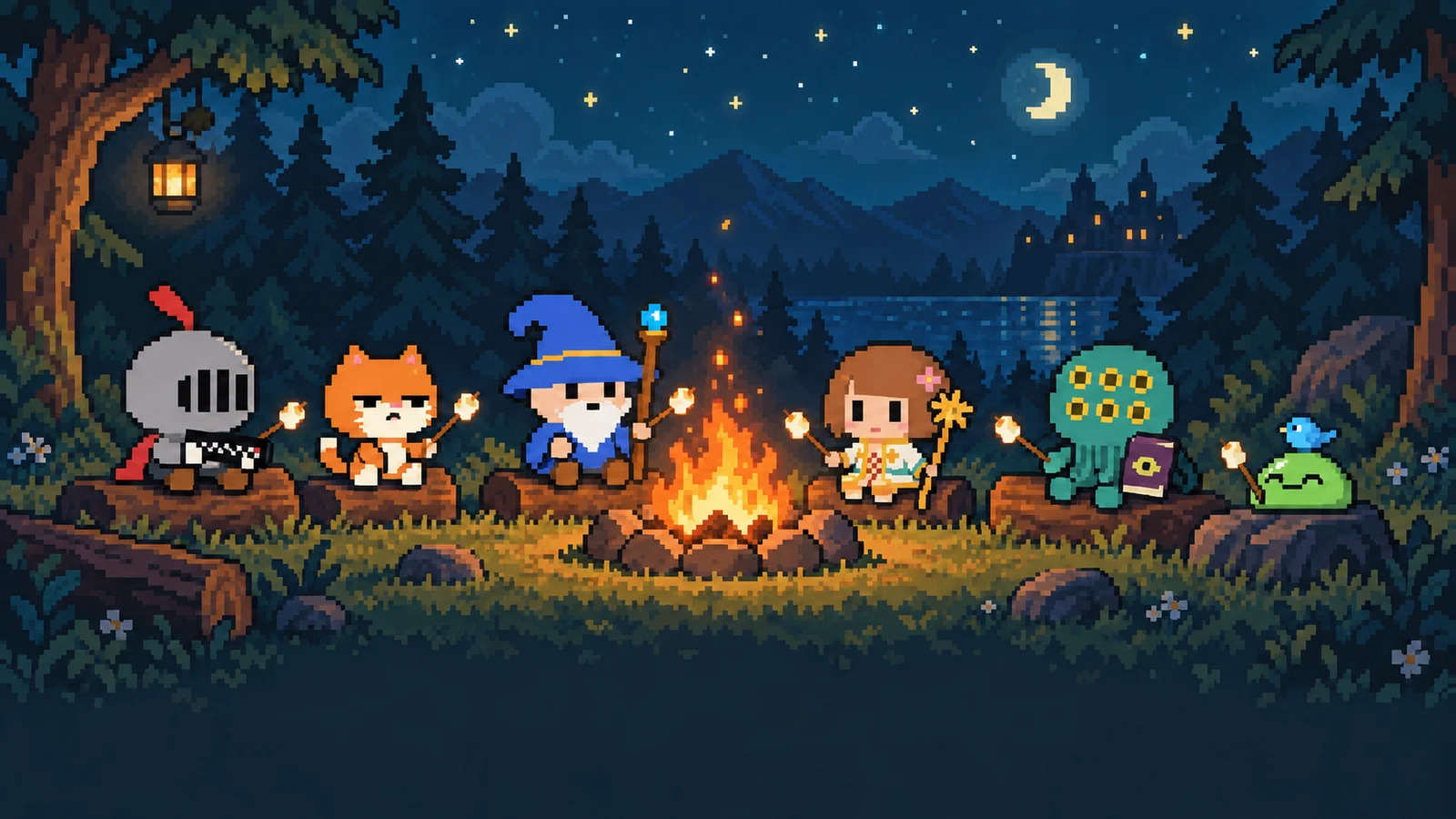
On the road you meet Lumi, a cat archer; Moro, a wizard whose explanations run long; Pip, a healer who blows up walls by accident; Octo, who scares easily; and Mallang, a slime that eats paper. All five can join your party, and they chat with each other as you walk. From the Mosslight Forest through the Sunset Wilds, the Blue Crystal Cave, the Snowsleep Highlands, and the Ember Fortress to the Edge of the Stars, an ending waits after 120 stages.
It also shows how long you worked today
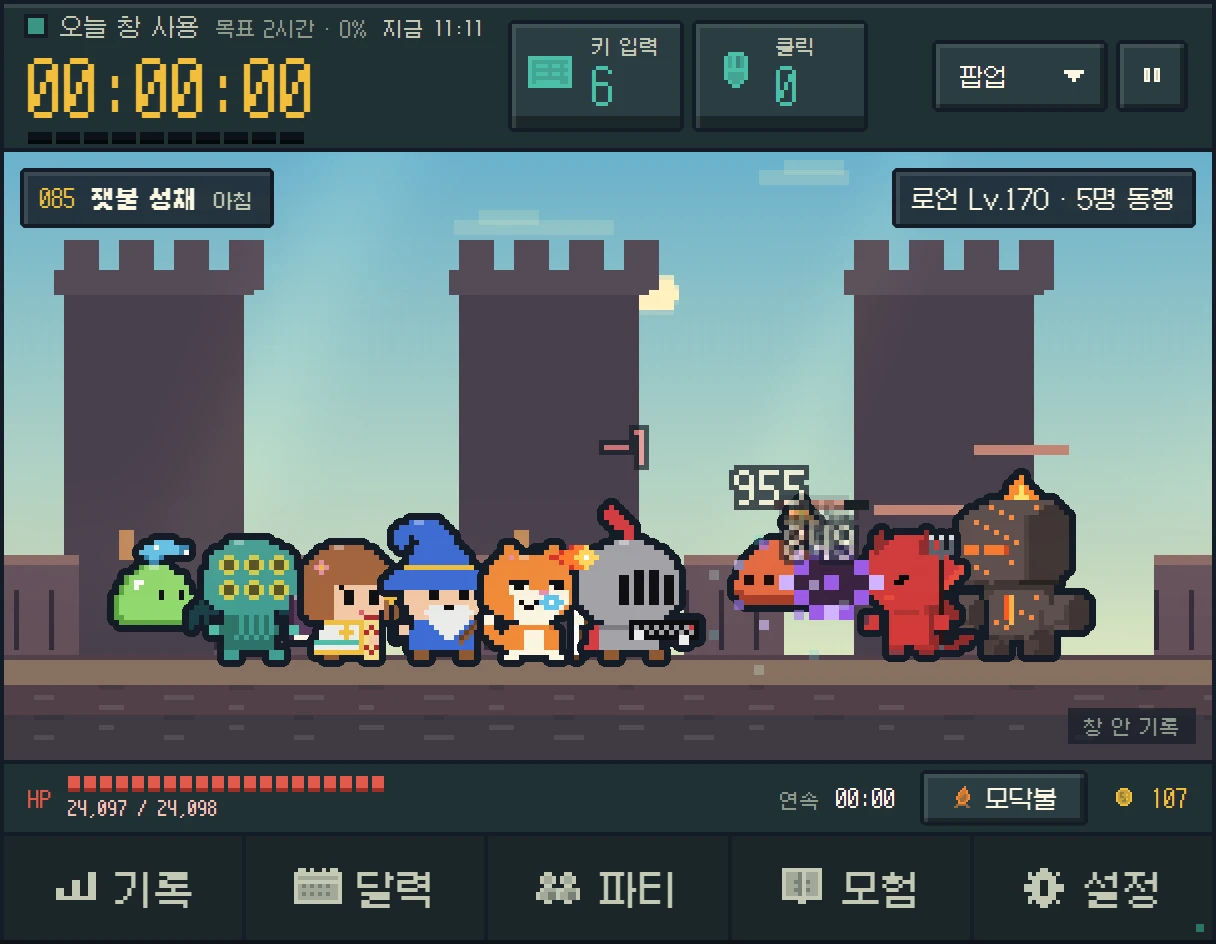
Click Hero is also a work-time tracker. The top of the window shows how long you worked today and how many times you pressed keys and clicked. Reach your goal and you get a stamp on the calendar. Work too long without a break and your friends suggest a short rest. If you don’t press anything for over a minute, the party lights a campfire and rests too. It never saves what you type. It only counts presses.
Keep it on screen your way
There are three ways to show the window. As a small pop-up, you can resize it from 70% to 130% and keep it on top of other windows. As a sidebar, it sticks to the right edge of the screen, and maximized windows won’t cover it. In desktop mode, it sits behind your desktop icons, so Rowan walks across your wallpaper.